Sunday, November 10th 2024
How to Create an AI Hug Video with Built-In Merge Images
Posted by
Want to create a video of two people hugging? The AI Hug Video Generator on Animate Old Photos can animate a photo of two people or use two separate photos combined with the built-in Merge Images tool. This guide shows you how to prepare your image, generate the video, and download the result.
What is the AI Hug Feature?
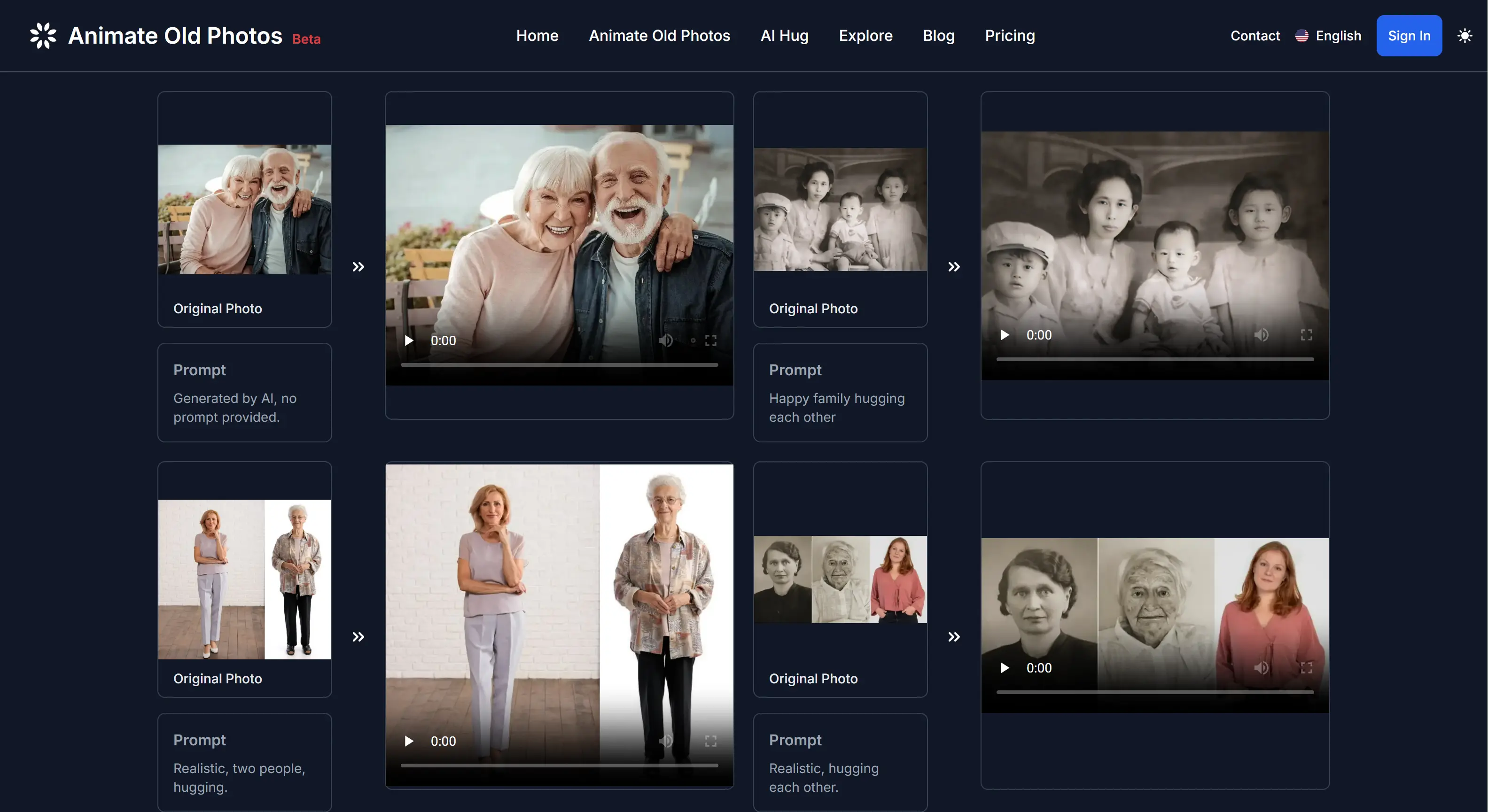
The AI Hug Video Generator on Animate Old Photos transforms static images into dynamic hugging videos. This groundbreaking feature uses advanced AI technology to animate your photos, creating natural-looking embrace animations.
4 Steps to Create an AI Hug Video
1. Open the AI Hug Video Generator
Go to the AI Hug Video Generator on Animate Old Photos to start making your hug video.
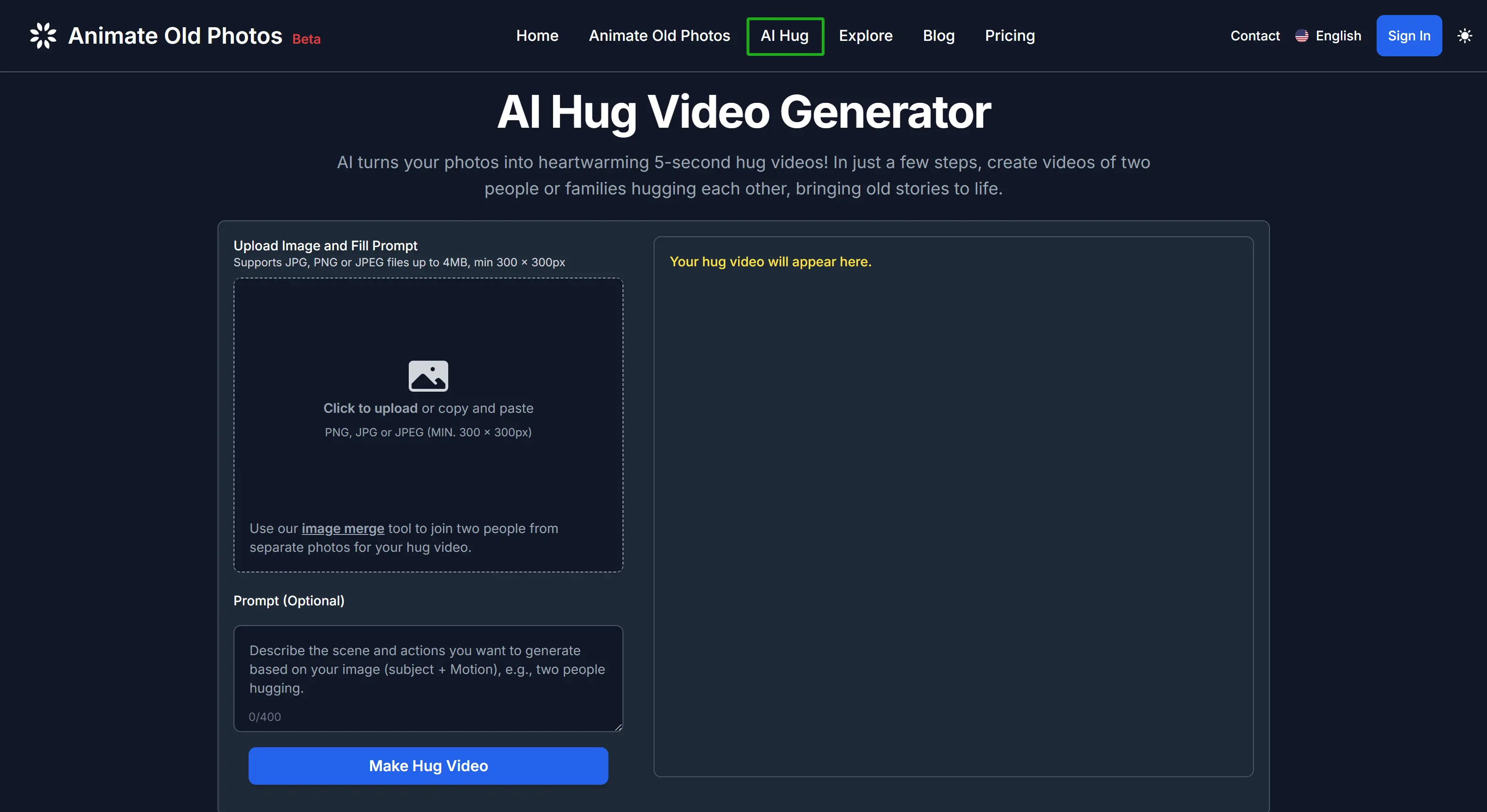
2. Upload or Combine Your Photos
Choose the option that matches your photos:
- Upload one photo: If you have a photo showing both people, upload it directly.
- Combine two separate photos: Open the built-in Merge Images editor in the AI Hug upload area. Crop, resize, and arrange the photos, then use the combined image for your hug video.
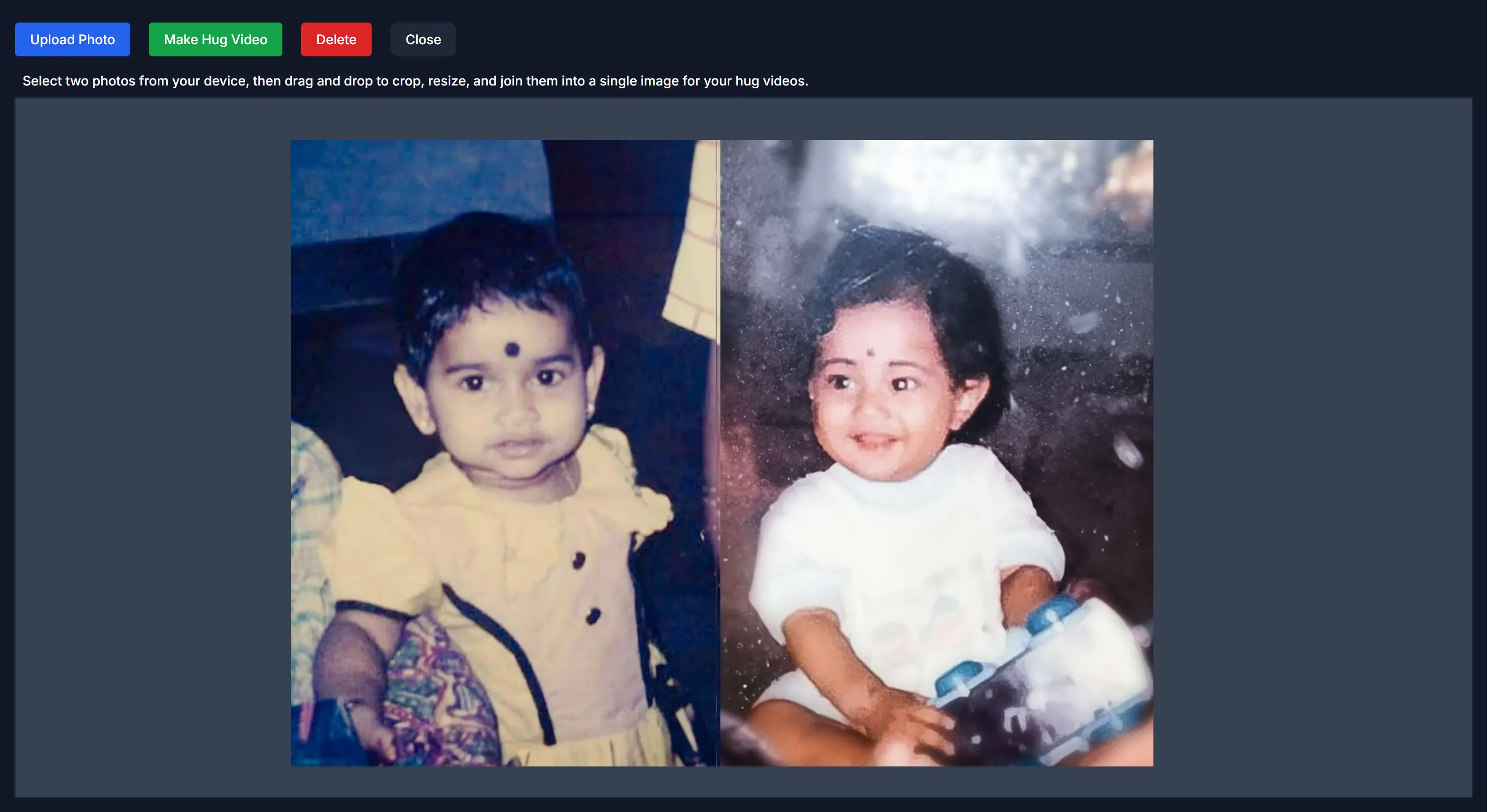
New to Merge Images? Watch the tutorial below to see how to arrange separate photos for a hug video.
3. Generate Your Hug Video
After uploading or combining your photos, add an optional prompt to describe the hug you want. Select a model, then click Make Hug Video. Generation typically takes a few minutes, but processing time can vary. Preview the result when it is ready.
4. Download and Share
Download your completed hug video to keep or share with friends and family.
Pro Tip: If the generated video doesn’t meet your expectations, try experimenting with different prompt phrases or use higher-resolution images for more accurate results.
Tips for the Best Hug Videos
- Make sure both subjects are either facing forward or in profile, with clear, visible faces.
- Keep the sizes of both subjects consistent—avoid having one appear larger than the other.
- The combined image should have the subjects filling more than 50% of the frame.
- Keep the final image clean and free of distractions.
FAQ
Q: How can I make my AI hug video look more natural?
A: Use clear, well-lit photos with visible faces and natural body proportions. Keep the background simple and avoid heavily cropped or blurry images. Good source photos help AI create more realistic hugging movements.
Q: Can I use any type of photo?
A: For best results, use clear, well-lit photos with visible faces and simple backgrounds.
Q: How long does the video generation take?
A: Most videos are generated within minutes, though processing time may vary based on system load.
Important Note
Due to current AI limitations, the generated hug videos may not be 100% perfect. Common issues include:
- Character replacements
- Motion distortions
- Facial deformations
- Prompt interpretation errors
Multiple attempts or higher-quality photos may be needed for better results. Don't get discouraged if your first try isn't perfect - experiment with different photos and prompts.
Start Creating Your Hug Videos Today
Try the AI Hug Video Generator on Animate Old Photos. Turn your static photos into touching reunion moments with just a few clicks.
Remember, while AI technology continues to evolve, the key to successful hug videos lies in quality input photos and patience with the generation process. Start creating your memorable hug videos today with Animate Old Photos.