Bring Old Photos to Life
Turn old photos into videos with speech, singing, and background music. Animate Old Photos brings your cherished memories back to life.
Animate Old Photo Tool Makes Old Story to Life
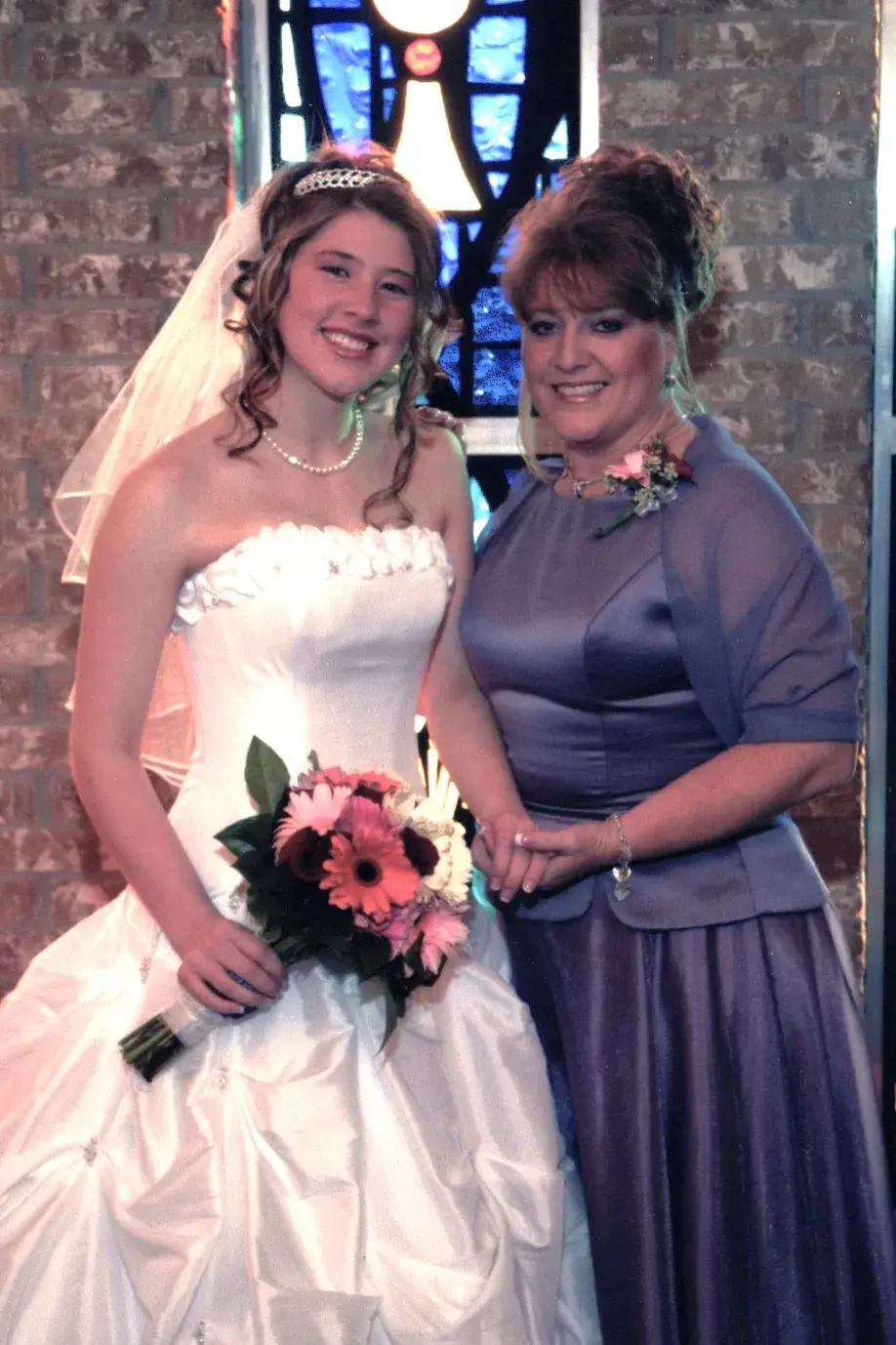
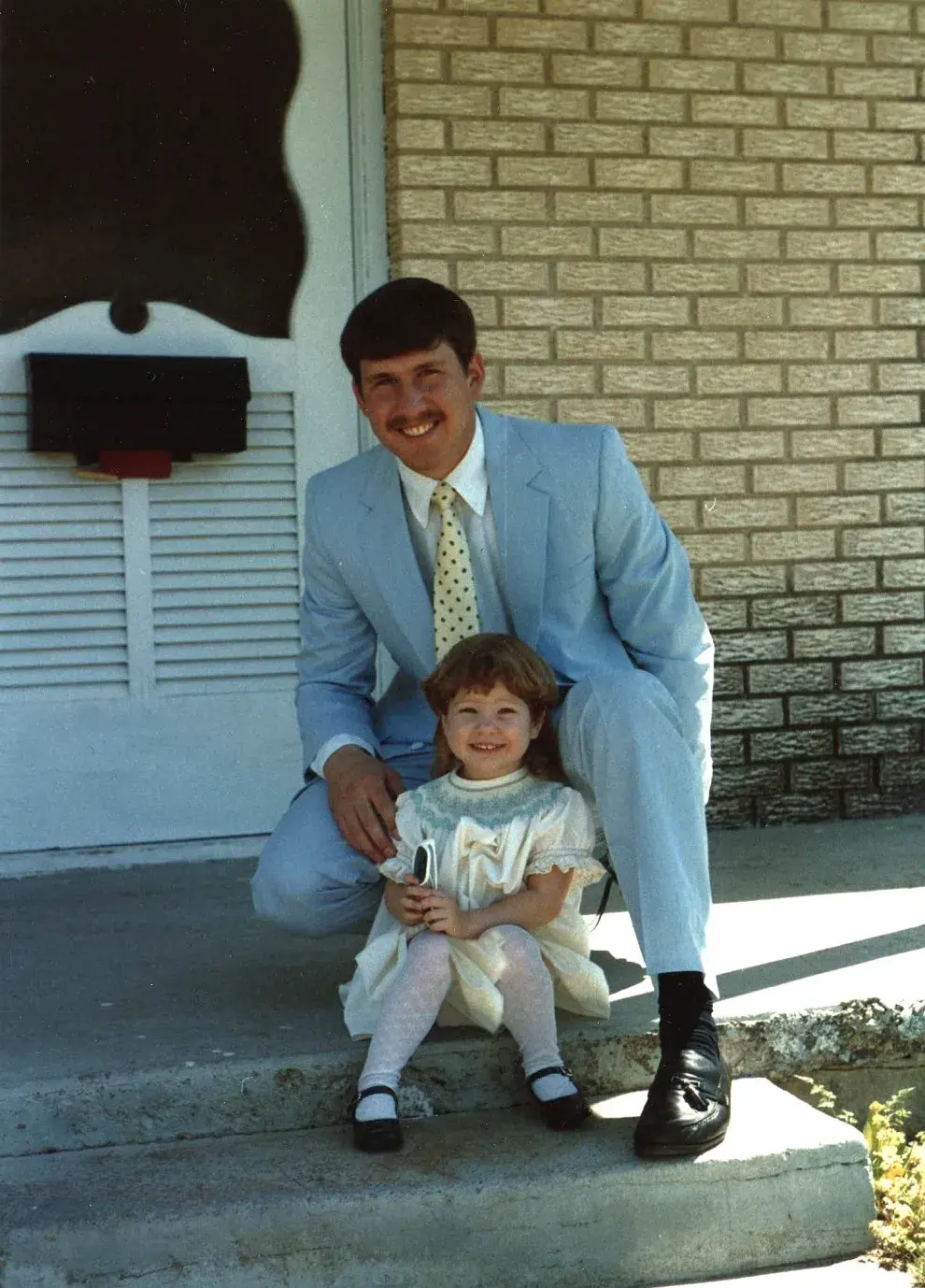
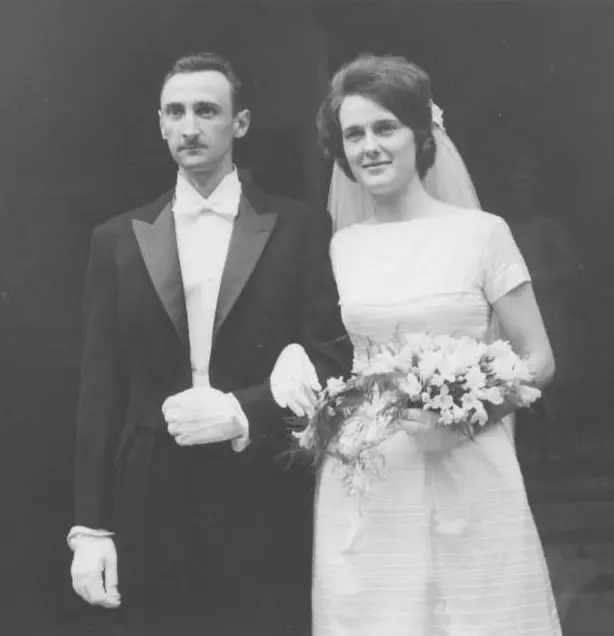
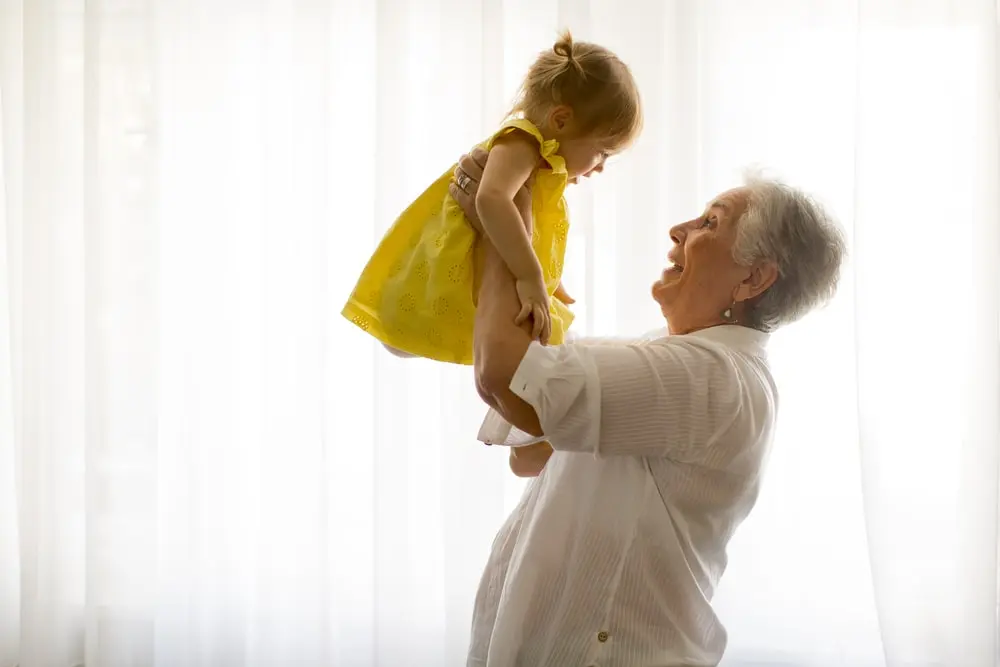
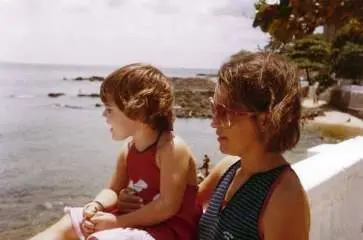
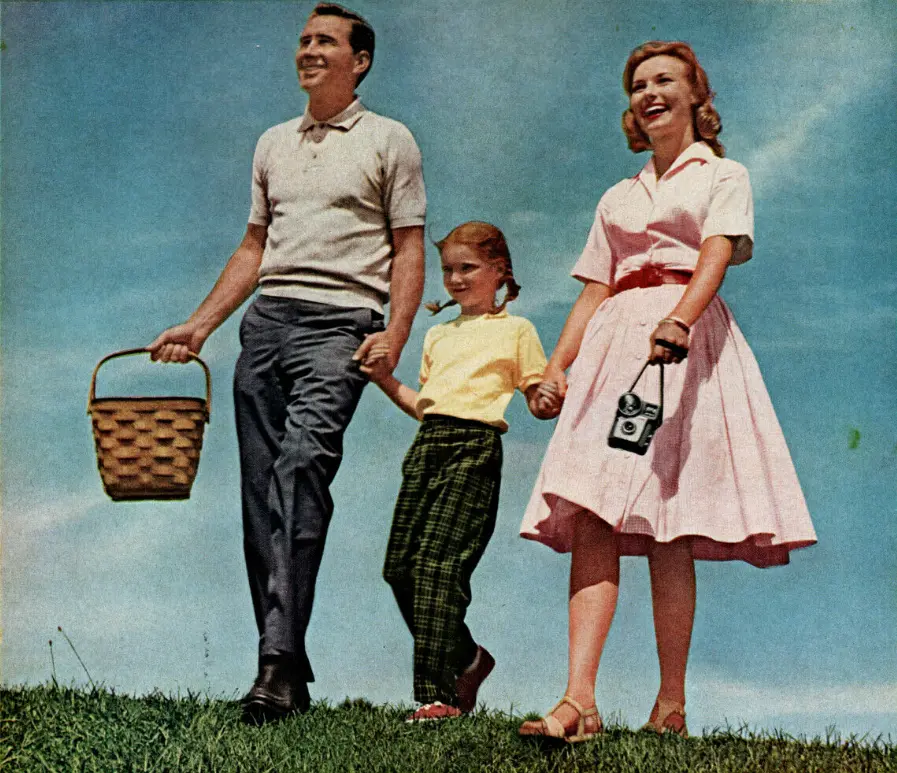
Turn Your Old Photos into Videos
Upload an old photo and let AI bring it to life. No video editing skills needed.
How to Animate Old Photos in 3 Steps
Bring your old photos to life in just a few easy steps and relive those cherished memories.
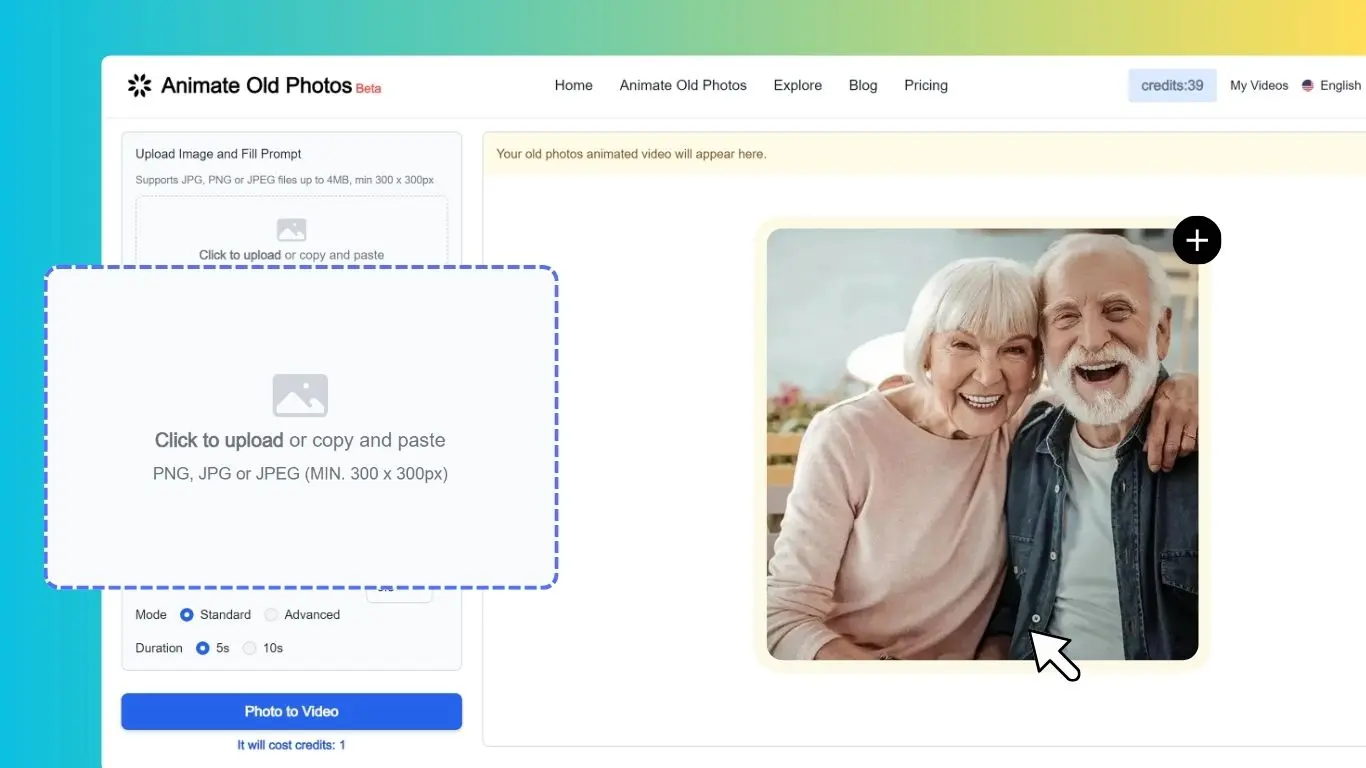
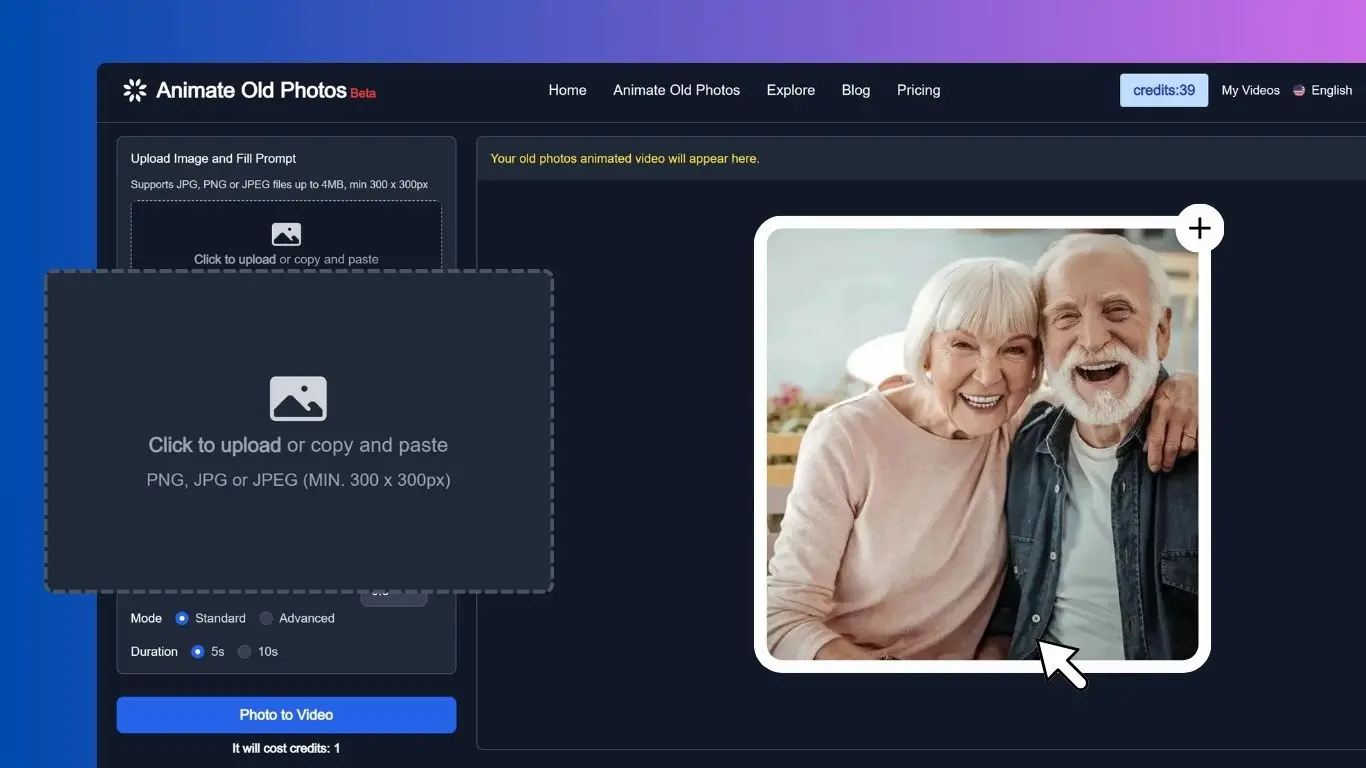
Select the photo you'd like to use from your computer or phone to upload it.
Describe the movement you want, such as "A woman smiles and waves." Or leave it blank and let AI write the prompt for you.
Click "Animate Old Photo" to generate your video. Once it's ready, download it and share it with family and friends.
Only 3 Easy Steps to Make a Hug Video
Combine Your Photos
Upload a photo of two people together, or use our free Merge Images tool to combine two separate photos into one image.
Make the Hug Video
Describe the hug you want, such as "A girl hugs her grandfather and smiles." Then click "Animate Old Photo" to make your hug video.
Download Video
Download your hug video and share the love with friends and family!
Explore the Power of Animate Old Photos
Revitalize your memories with old photo animation that brings old photos to life, making them vivid and dynamic.
Animate Photo
Turn old photos into vivid videos with AI. See loved ones smile, wave, or share a hug, bringing cherished memories to life.
Restore Old Photos
Experience old photo restoration with Animate Old Photos. Colorize and repair damage, fading, and scratches. Restore authentic character with no plastic faces to bring real memories back to life.
Old Photo to Video
Transform your old photos into shareable videos with AI. Add speech, singing, and background music.
AI Hug
Create heartwarming hug videos with Animate Old Photos - it's just a few clicks away! No video editing skills needed.
Add Loved One to Photo
Add an absent or deceased loved one to a family photo, wedding picture, or memorial portrait.
Animate your family photos
Easily bring your family photos to life with advanced technology, and experience your family history like never before.
Animate Old Photos Use Case Examples
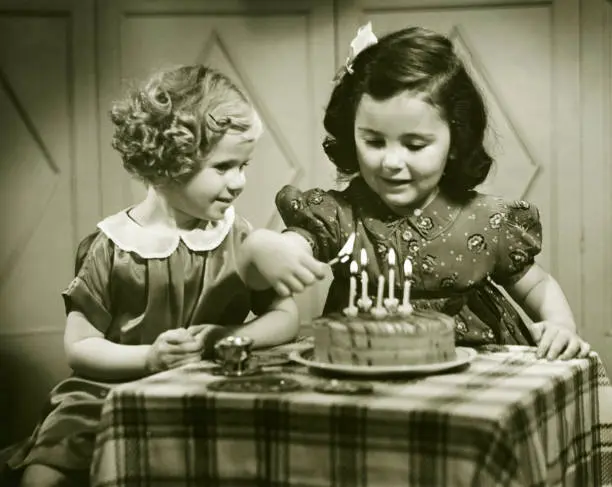
two little girls clapping and singing "Happy Birthday to you", with cheerful party music.
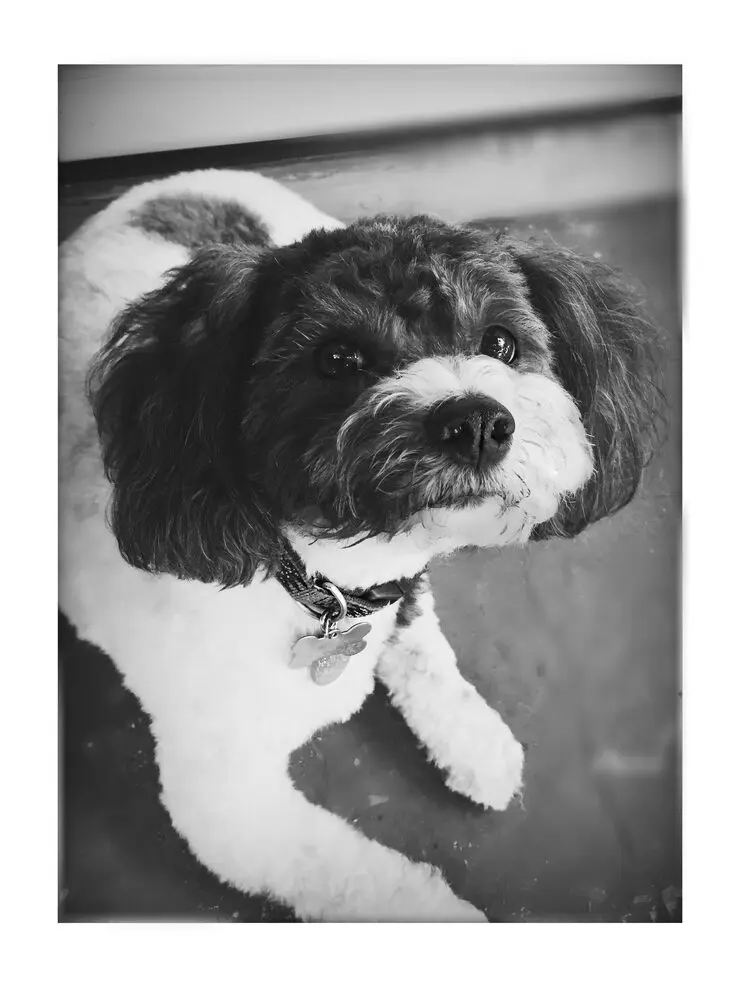
ears to pop and head tilt as if hearing something.
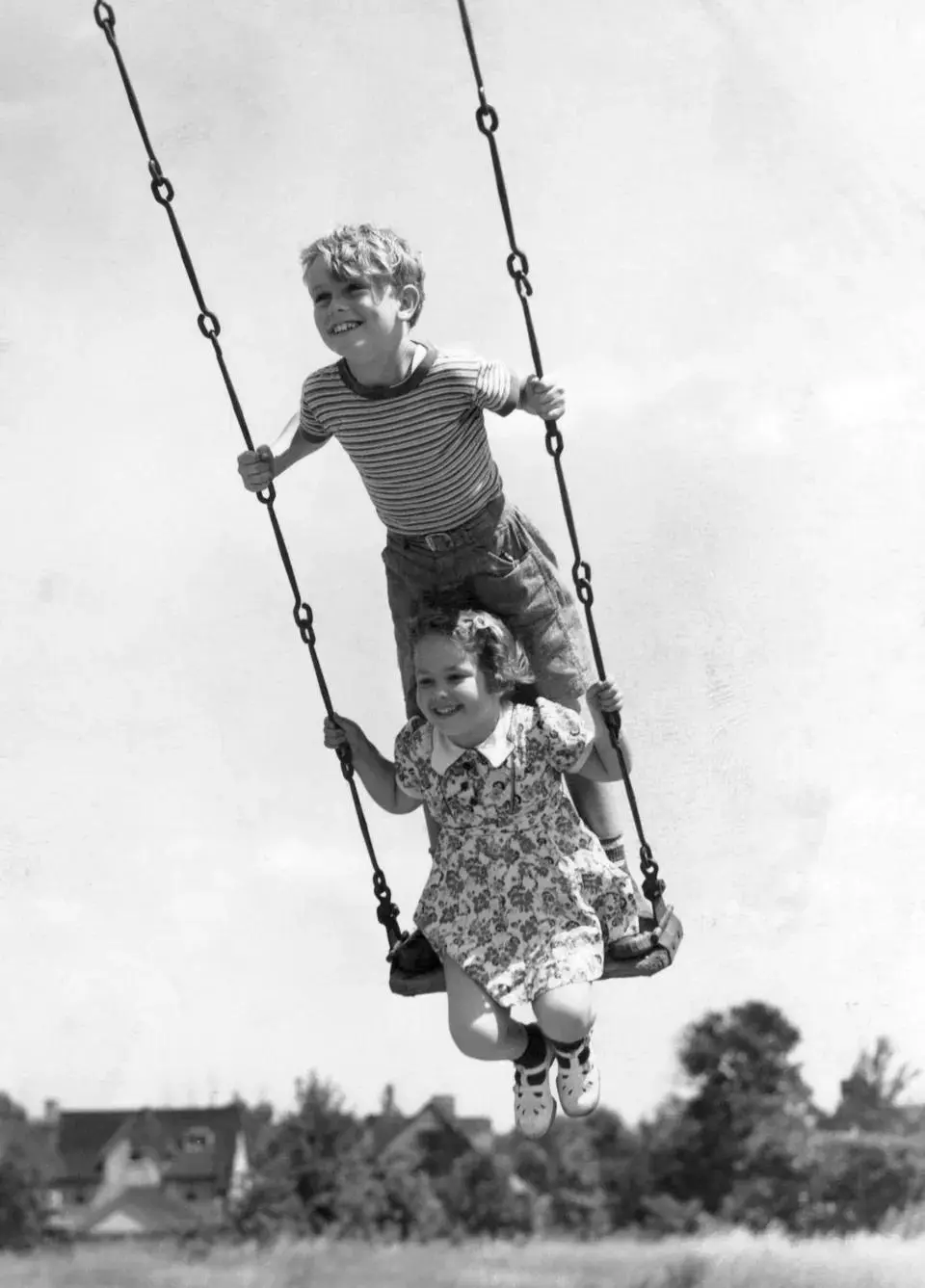
Two kids on a swing.
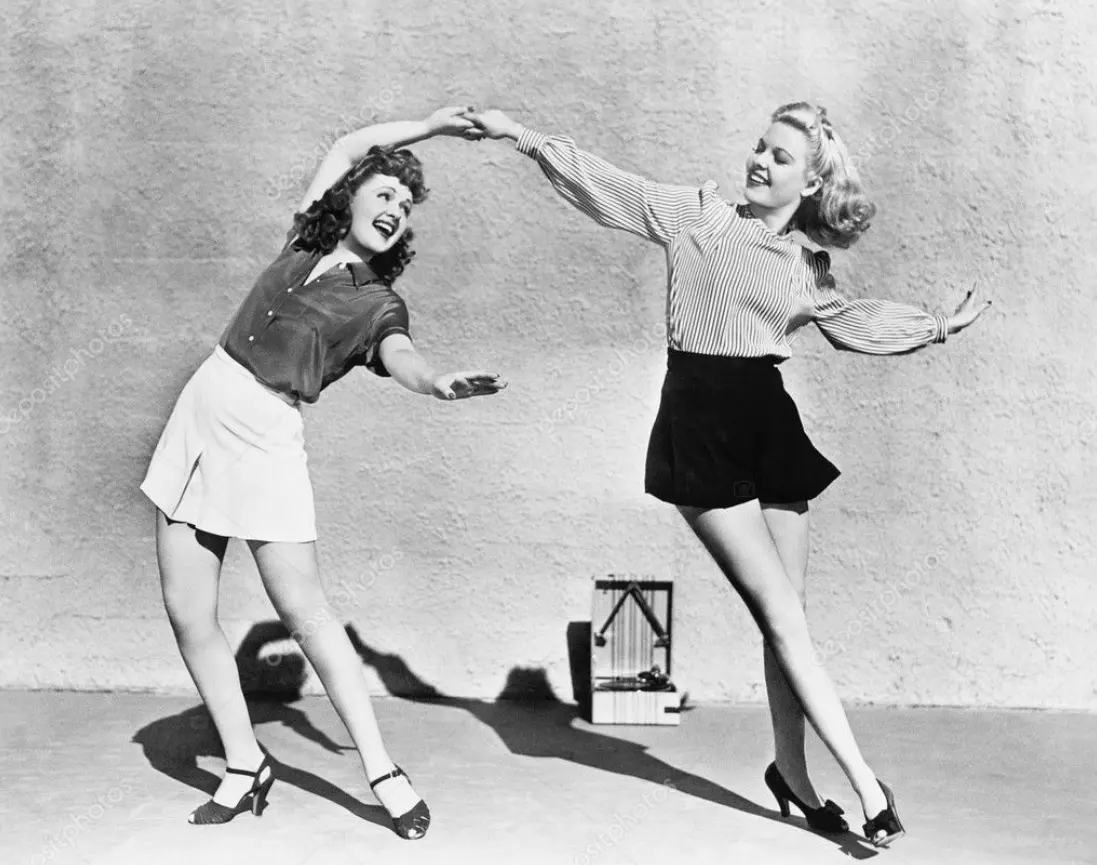
Two women dancing.
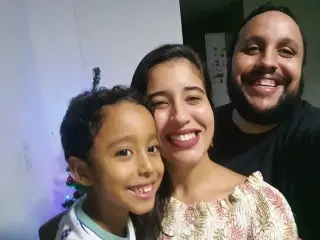
make a video of a family hugging and very happy in this photo
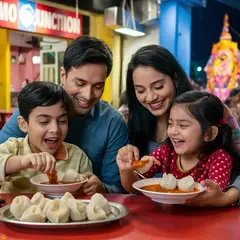
A family of 4 enjoying momo at Momo Junction
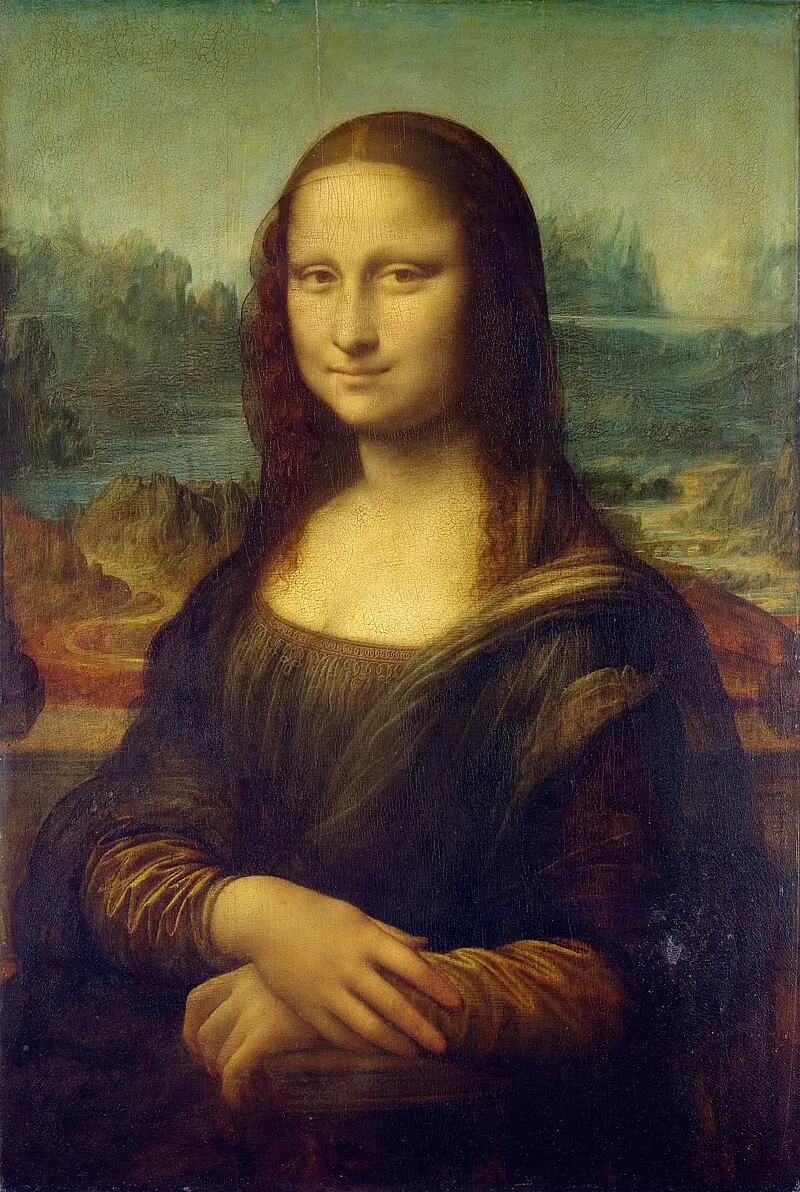
Mona Lisa putting on glasses
grandmother and granddaughter hugging each other
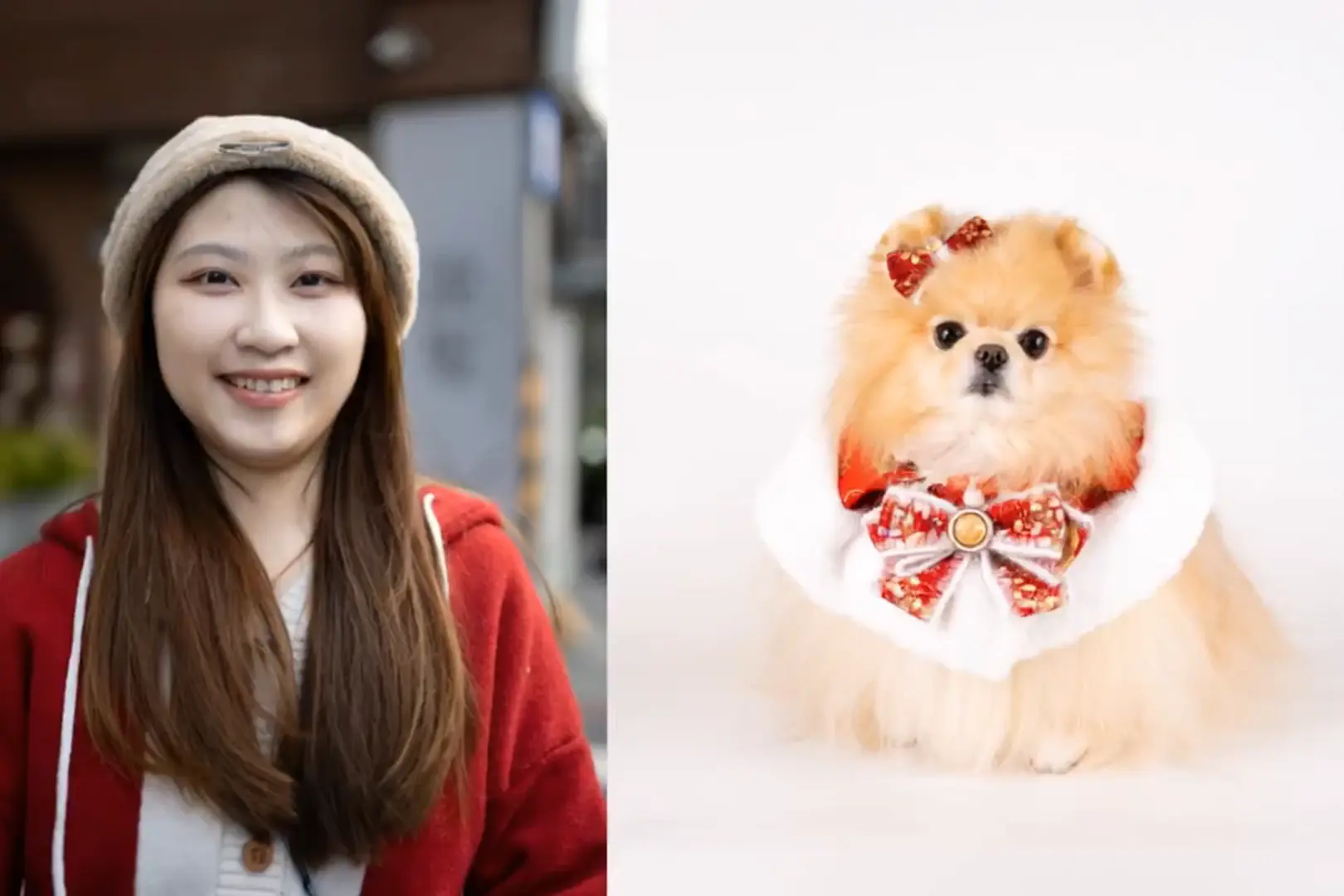
hug a dog.
Make Your Old Photos Come to Life
Have a photo like these? Turn your own old photo into a short video.
Explore More AI Tools on Animate Old Photos
Restore old photos, create family portraits, and turn photos into videos. Bring your old photos to life.
Animate Old Photos
Turn old family photos into short videos with movement and optional speech, singing, or music.
Restore Old Photos
Repair scratches, fading, and blur in old photos, with optional colorization.
Add Loved One to Photo
Add an absent or deceased loved one to a family photo, wedding picture, or memorial portrait.
AI Hug Video Generator
Create a hug video from a photo of two people, or combine separate photos with the built-in Merge Images editor.
Frequently asked questions
Search for the questions that are frequently asked about Animate Old Photos
What is Animate Old Photos?
Animate Old Photos is an online AI tool that brings old photos to life. Faces smile, blink and move naturally in a short video. Besides old photo animation, you can make loved ones talk or sing and add background music.
Is Animate Old Photos free?
Yes, Animate Old Photos is free to try. Daily free animations are available with no login needed. For more videos, you can choose a plan anytime.
Is there an Animate Old Photos app?
No download is needed. Animate Old Photos works online on your phone or computer.
Are my photos safe and private?
Your photos are used only to create your videos. We never sell them or use them to train AI. Uploaded photos and created videos are deleted automatically after 30 days, and you can delete them yourself anytime in "My Creations."
How do I make old photos come to life?
Upload an old photo to bring it to life. Add a prompt if you like, or leave it blank and let AI choose the movement. Then click "Animate Old Photo." Your animated video will appear on the page, ready to download.
How long does it take to animate an old photo?
Most videos are ready in 2 to 5 minutes. It may take a little longer at busy times.
What if I don't like how my video turned out?
Try a different prompt with a simple, specific action, such as "The woman smiles gently" or "The two people wave at the camera." You can also leave the prompt blank and let AI suggest the movement. If the result still isn't right, try another photo with clearer faces. For more examples, see the "Write a Motion Prompt" section in our step-by-step guide.
What if my photo animation fails?
A video may not be created if the photo contains prohibited content or the service is very busy. If that happens, you won't be charged. Just try again with another photo or a little later.
Where can I find my videos?
Log in and click "My Creations" in the top right corner. Your videos are kept for 30 days, so download the ones you want to keep.
How to create a hug video?
Upload a photo of two people together. Add a prompt such as "A girl hugging her mother," then click "Animate Old Photo." Have two separate photos? Use Merge Images to combine them first. For more tips, read How to Create a Hug Video With AI.
Can I cancel my subscription anytime?
Yes, you can cancel anytime. Your remaining credits stay available after you cancel. To cancel, log in, click your profile picture in the top right corner, and select "Manage Subscription."
Can’t find the answer you’re looking for? Reach out to our customer support team
Animate Old Photos with just a few clicks
Bring old photos to life in just a few easy steps and revisit those cherished moments from the past.
Animate Old Photos Changelog
Stay up-to-date with the latest developments and new features in Animate Old Photos. Explore our changelog to see how we're continuously improving our AI-powered photo animation tool, bringing your cherished memories to life.
Animate Old Photos - v3.3
Animate Old Photos now offers Pro videos up to 30 seconds long, giving your family memories more time to unfold.
Pro can now make the people in your photos speak or sing in English, Spanish, Portuguese, French, German, and Japanese. All Pro videos include sound.
Pro does a better job of keeping people looking like themselves throughout the video. It also follows your instructions more closely, whether you want a gentle smile, a wave, or a few spoken words.
Restore Old Photos has also been upgraded for better photo restoration, helping bring out details in old family photos for clearer, more natural-looking results.
Animate Old Photos - v3.2
Improved the mobile experience with smoother interactions.
Upgraded the model for more stable old photo to video generation.
Improved task processing reliability and fixed failures in certain edge cases.
Added a shortcut to start a new creation from the My Creations page.
Animate Old Photos - v3.1
AI Hug Video now offers an Advanced model option, delivering more stable output, improved quality, and faster generation.
Animate Old Photos (Pro model) now supports native-audio video with lip sync — at no extra credit cost.
Animate Old Photos - v3.0
Pro model: native audio-synced video
- The Pro model now supports animated videos with original synchronized audio, bringing your old photos to life with authentic sound. The user manual has been updated with a full guide on how to use this feature.
Advanced tools, right on the home page
- All advanced features are now built into the home page. Once you log in, there is no extra redirect, your inputs stay exactly where you left them, and the whole experience feels faster and more seamless.
More control over your account
- Your profile page now lets you update your personal information, change your password, and delete your account whenever you need to, all in one place.