Bring Old Photos to Life
Turn old photos into videos with speech, singing, and background music. Animate Old Photos brings your cherished memories back to life.
Animate Old Photo Tool Makes Old Story to Life
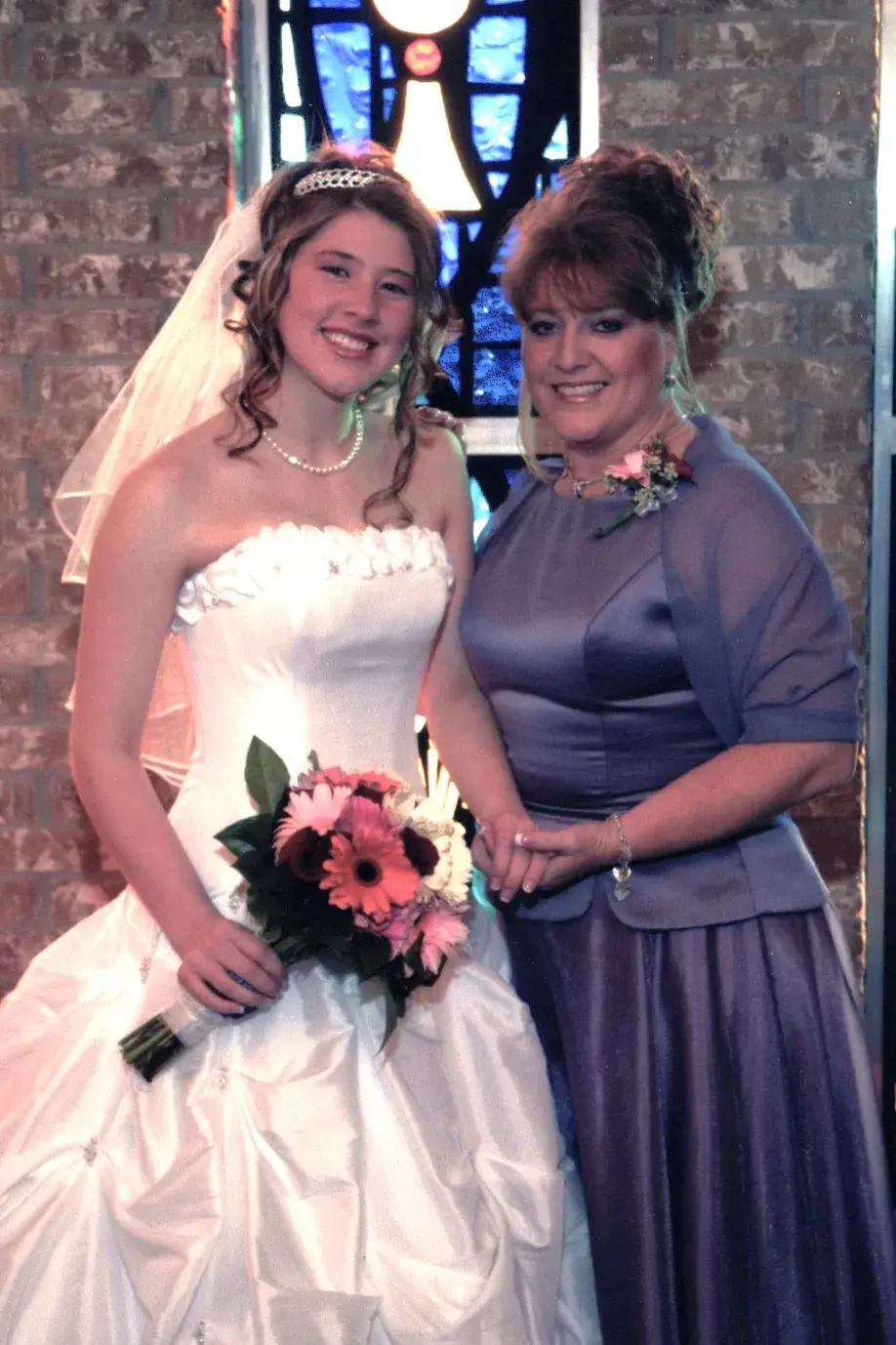
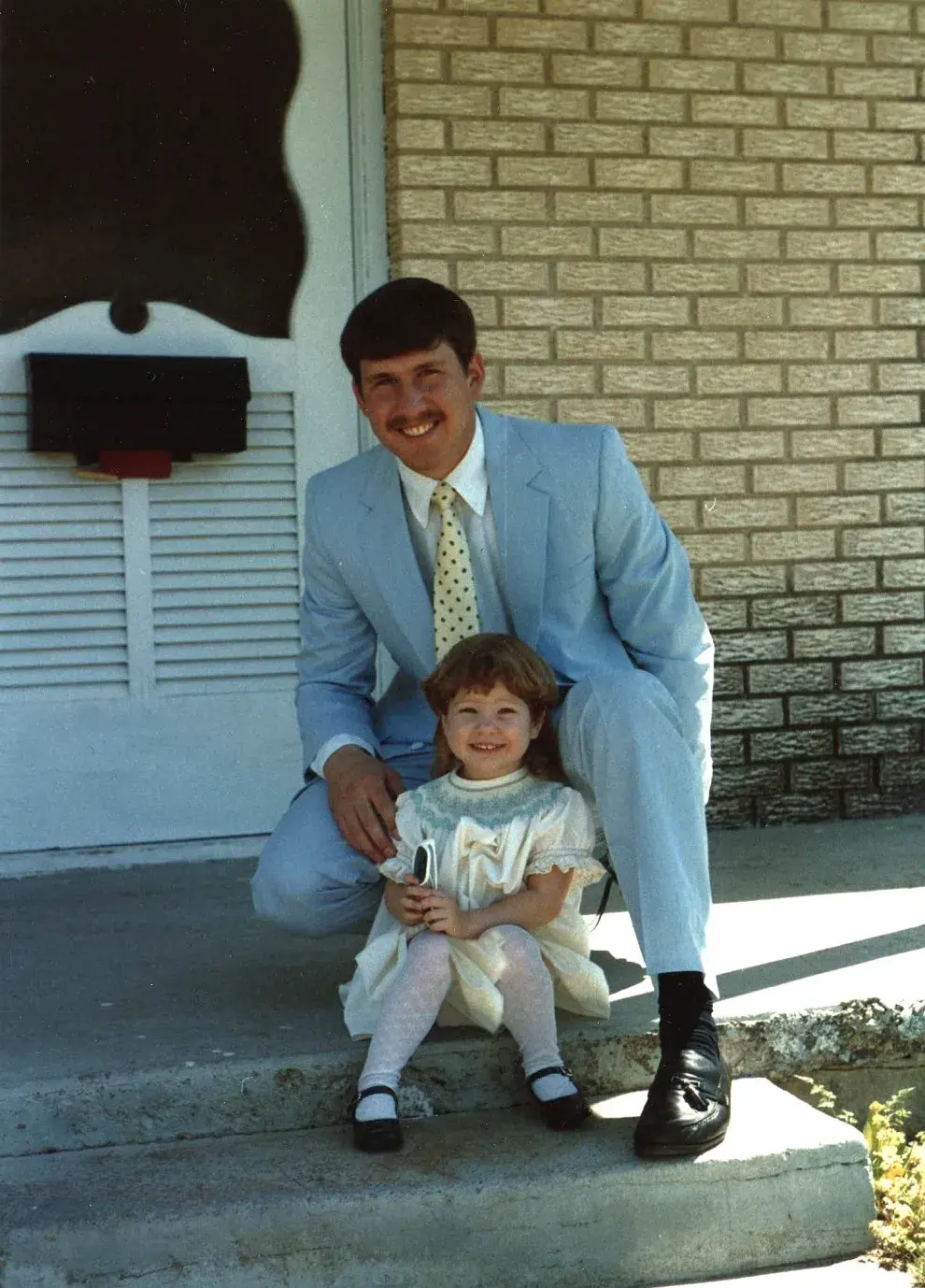
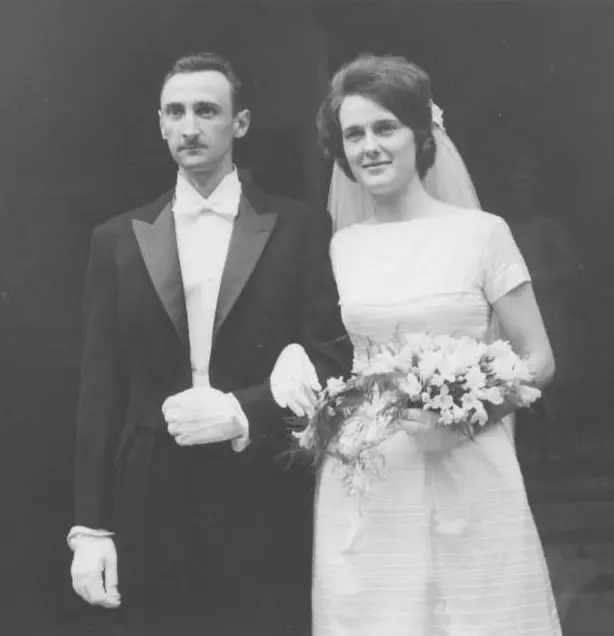
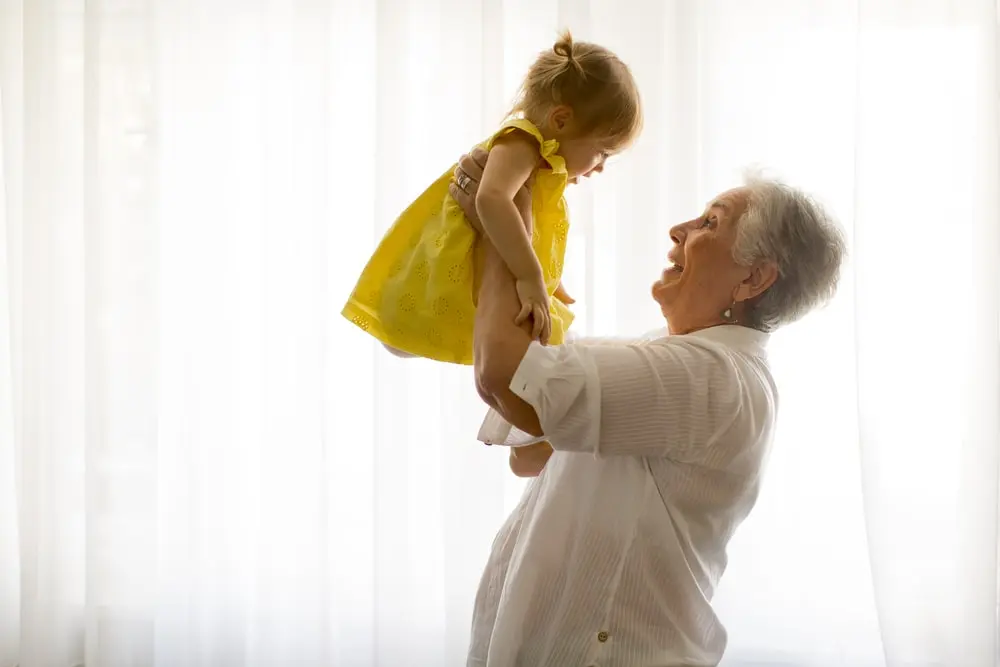
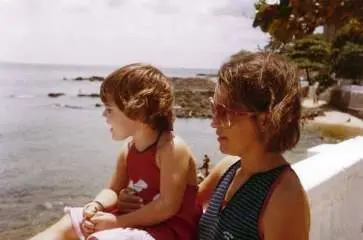
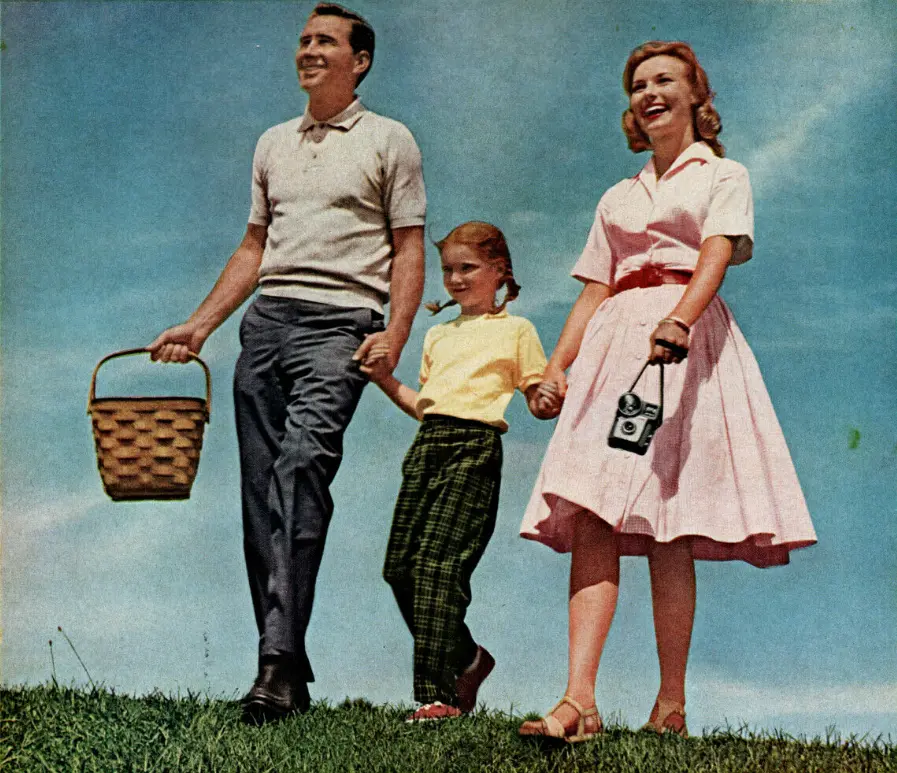
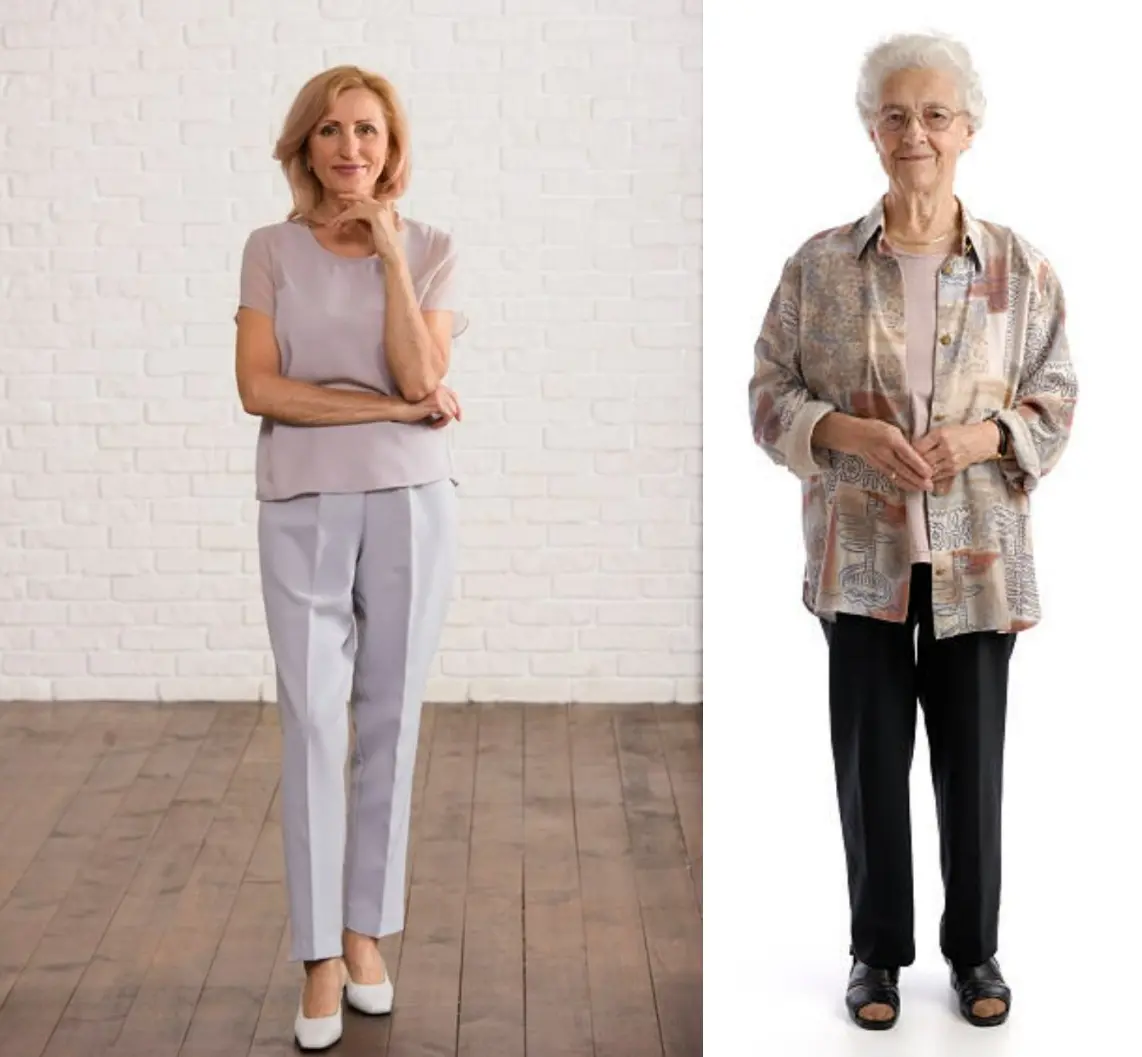
Turn Your Old Photos into Videos
Upload an old photo and let AI bring it to life. No video editing skills needed.
Animate Your Old Photos in 3 Steps
Bring your old photos to life in just a few easy steps and relive those cherished memories.
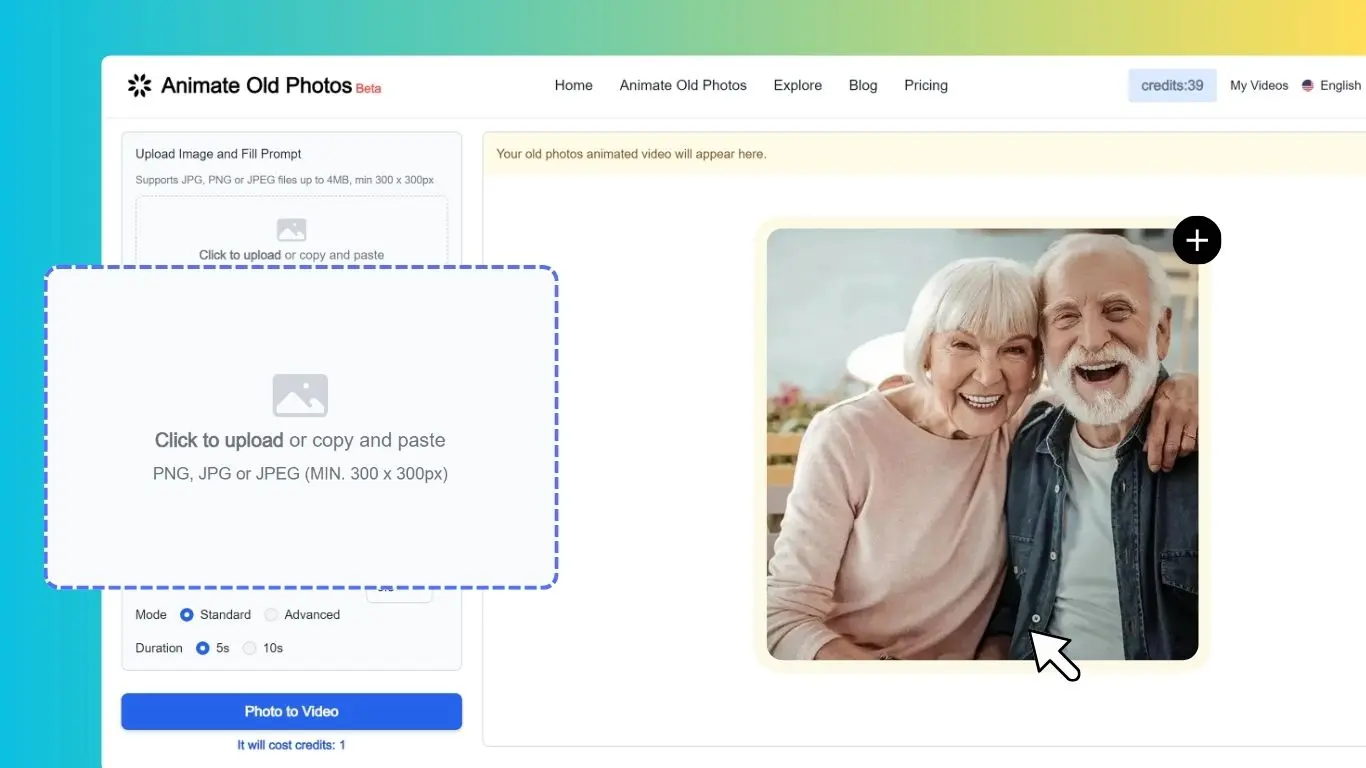
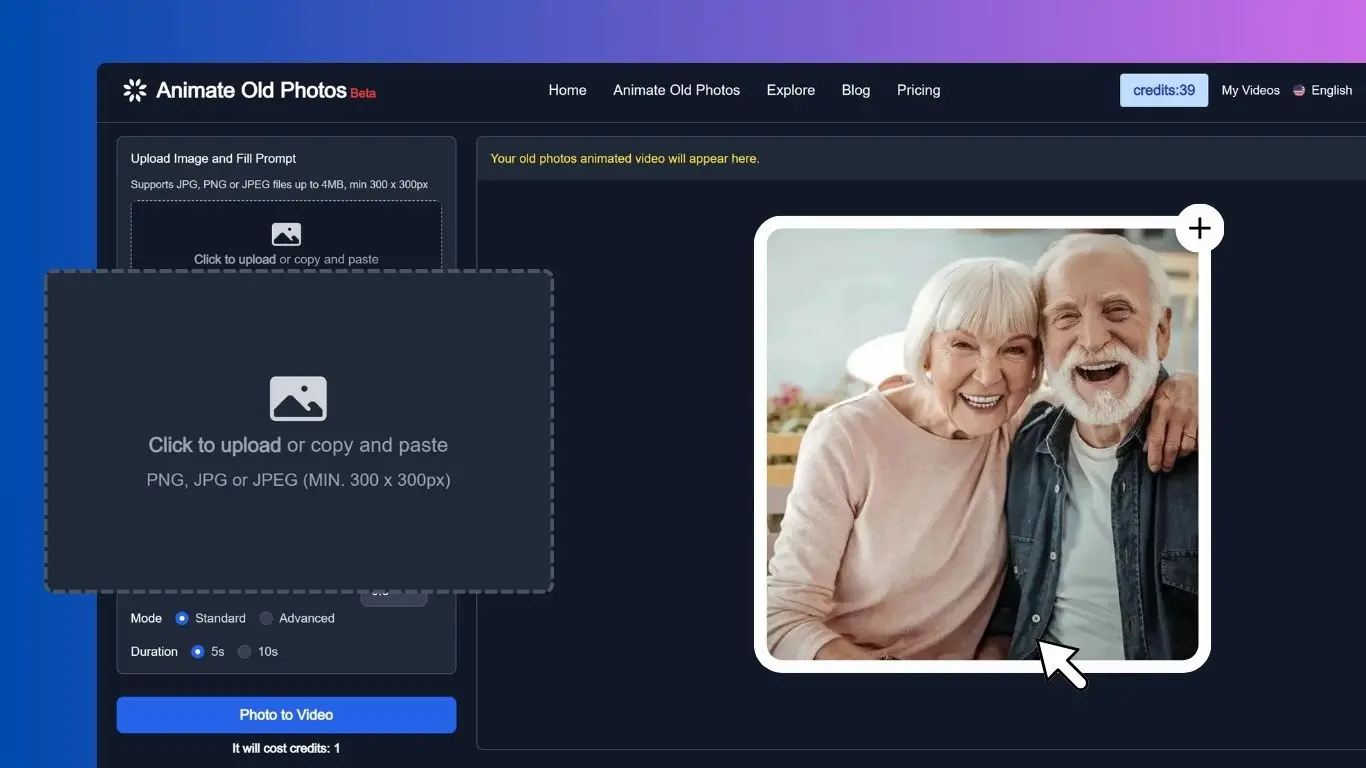
Select the photo you'd like to use from your computer or phone to upload it.
Describe the scene and actions you want to see (e.g., "A girl hugging her mother") to animate your photo. Tips for Writing Effective Prompts.
Download your animated video and spread the love with friends and family!
Only 3 Easy Steps to Make a Hug Video
Create a Composite Photo
Use Photopea to combine two separate photos into a single image for your hug video.
Download Video
Download your hug video and share the love with friends and family!
Explore the Power of Animate Old Photos
Revitalize your memories with old photo animation that brings old photos to life, making them vivid and dynamic.
Animate Photo
Animate Old Photos, powered by AI, turns your old photos into 5-second videos. Add a prompt to create different motion effects and make old stories come to life!
Restore Old Photos
Experience old photo restoration with Animate Old Photos. Colorize and repair damage, fading, and scratches. Restore authentic character with no plastic faces to bring real memories back to life.
Old photo to video
Transform your old photos into shareable videos with AI. Add speech, singing, and background music.
AI Hug
Create heartwarming hug videos with Animate Old Photos - it's just a few clicks away! No video editing skills needed.
Add Loved One to Photo
Place a loved one who is no longer with you into a family photo. Perfect for creating the group portrait you never got to take.
Animate your family photos
Easily bring your family photos to life with advanced technology, and experience your family history like never before.
Animate Old Photos Use Case Examples
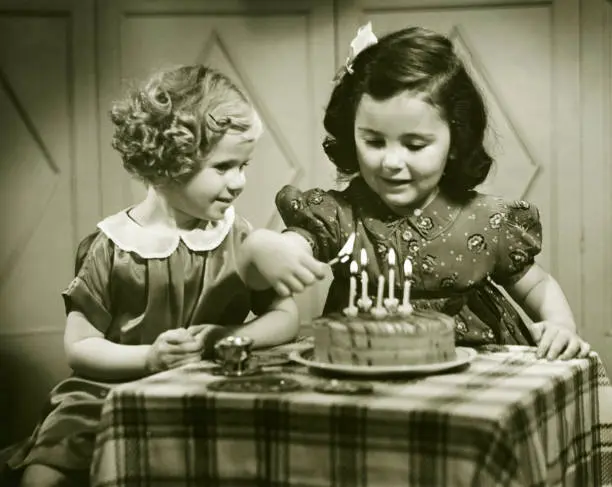
two little girls clapping and singing "Happy Birthday to you", with cheerful party music.
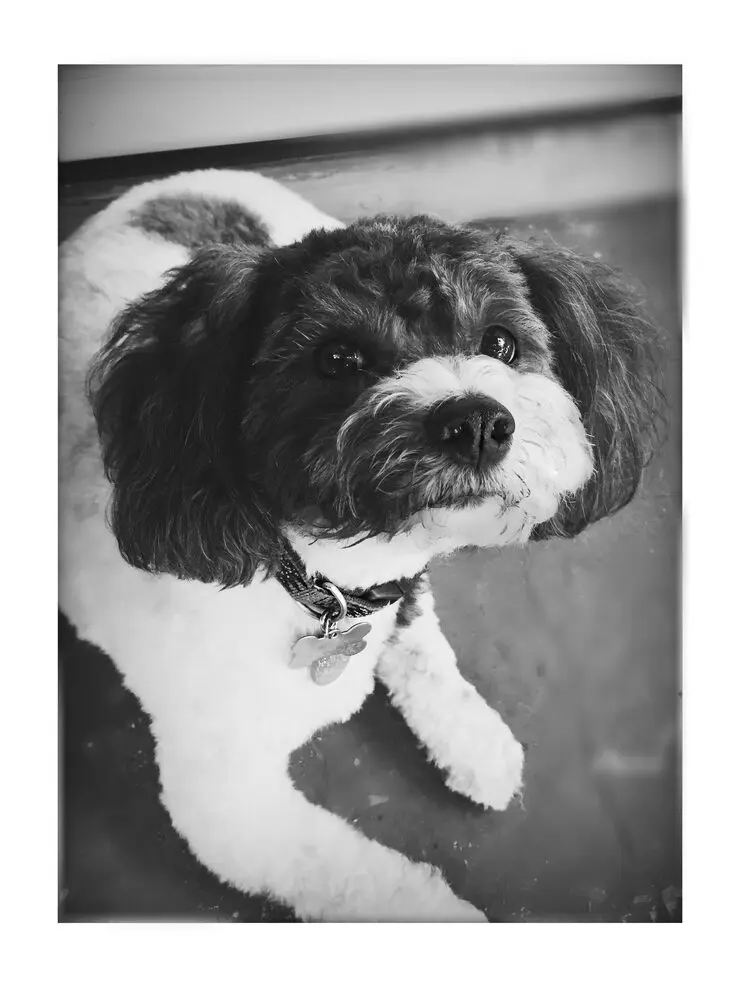
ears to pop and head tilt as if hearing something.
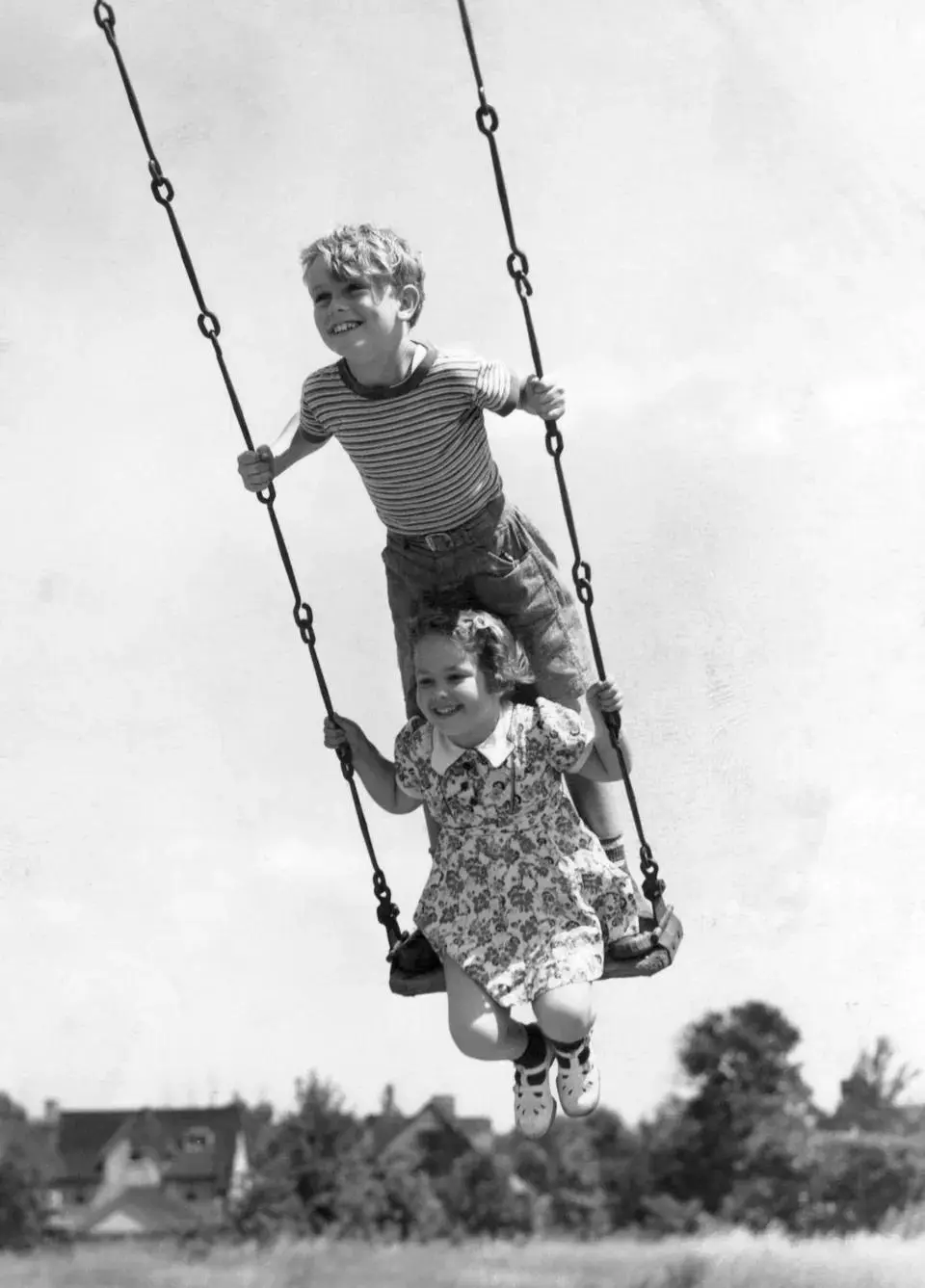
Two kids on a swing.
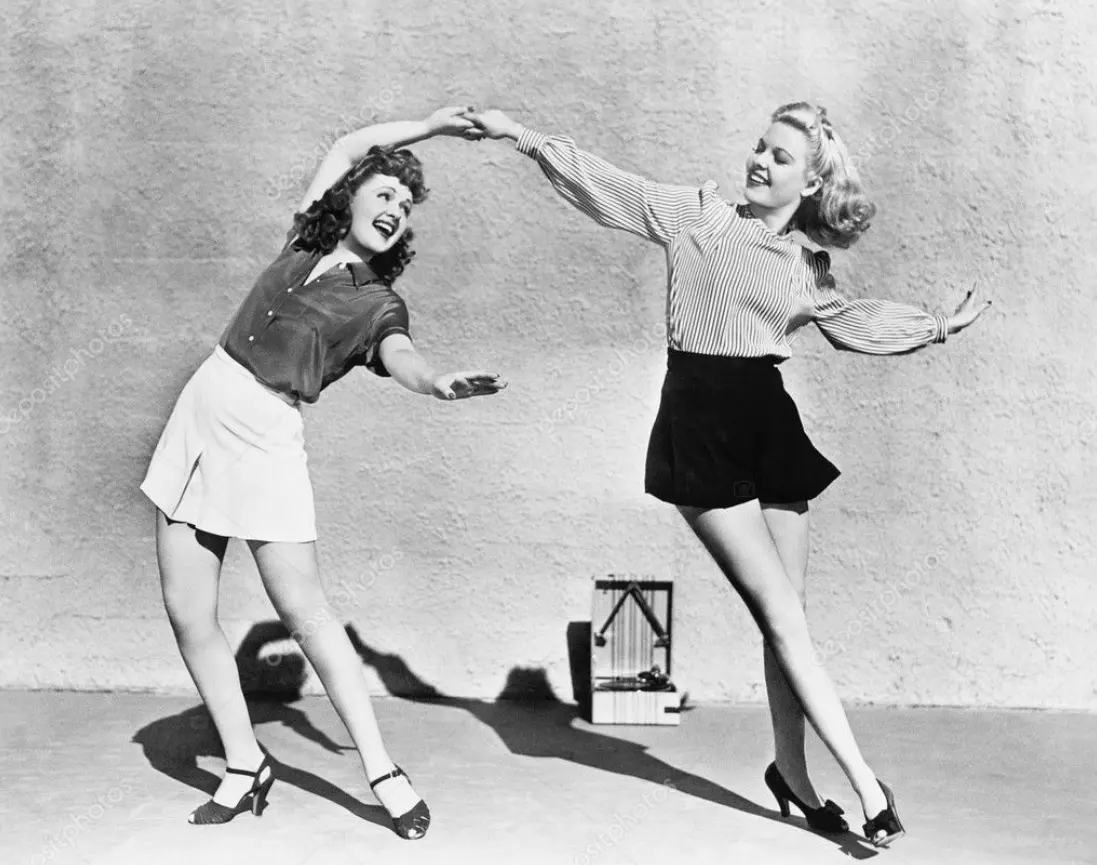
Two women dancing.
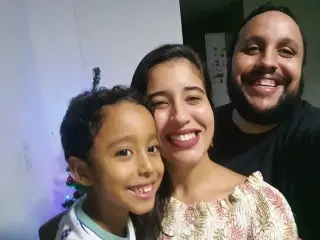
make a video of a family hugging and very happy in this photo

A family of 4 enjoying momo at Momo Junction
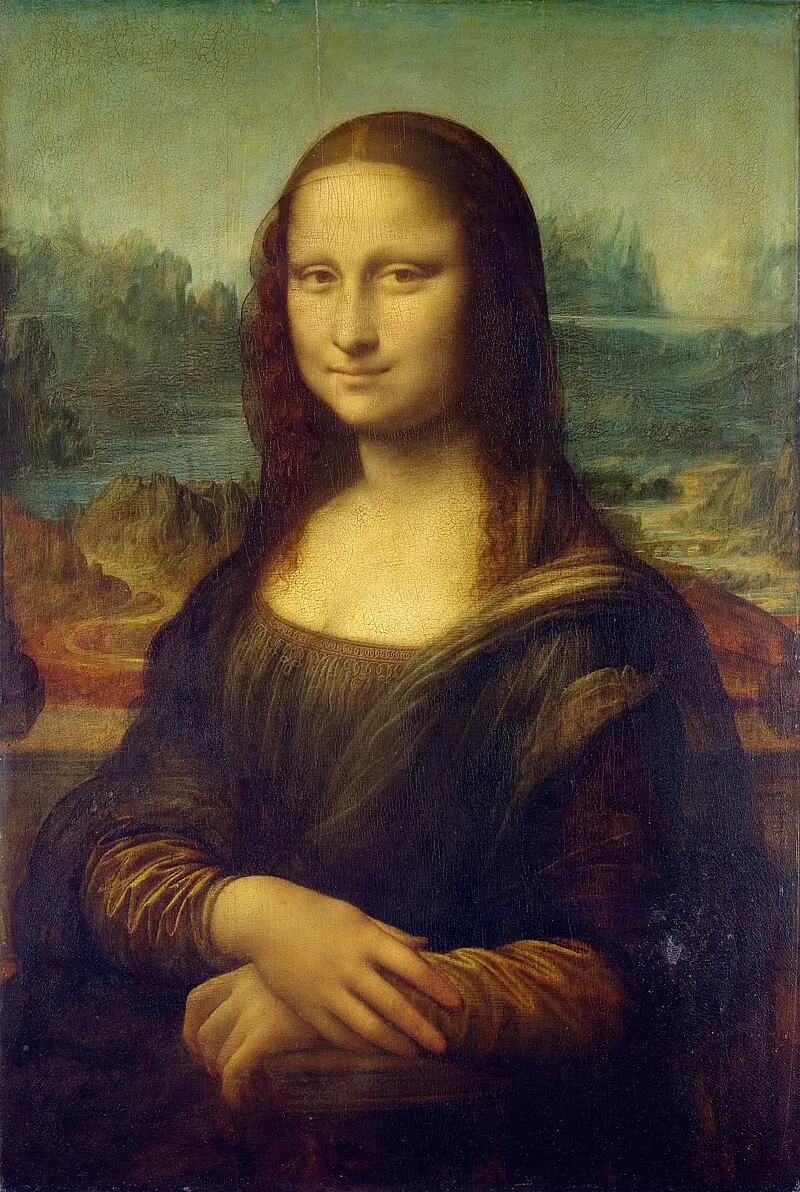
Mona Lisa putting on glasses
grandmother and granddaughter hugging each other
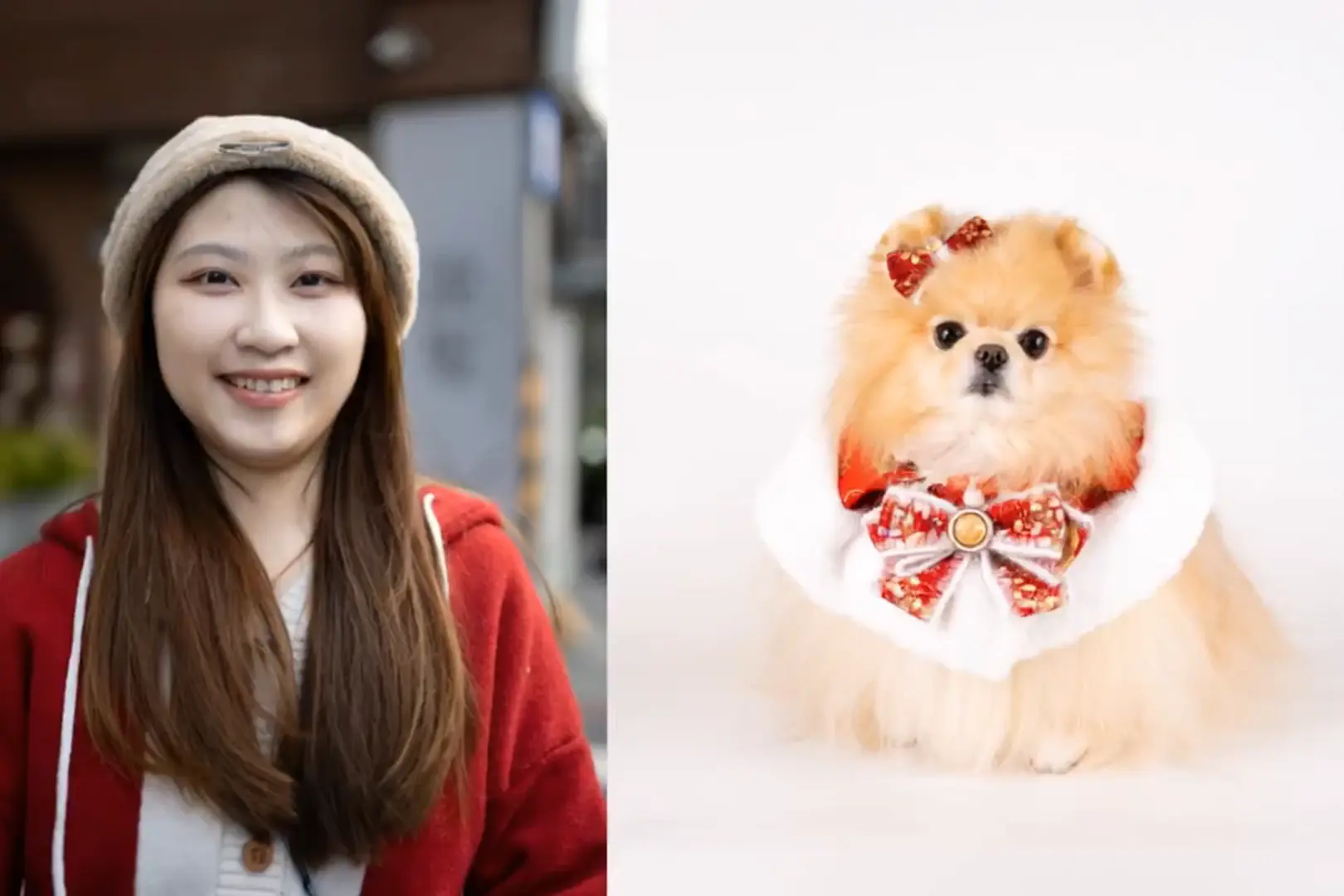
hug a dog.
Make Your Old Photos Come to Life
Have a photo like these? Turn your own old photo into a short video.
Explore More AI Tools on Animate Old Photos
Turn old photos into moving stories. From restoration and editing to video generation, bring your old photos to life.
Frequently asked questions
Search for the questions that are frequently asked about Animate Old Photos
How to animate an old photo?
Choose a photo from your device or paste one directly. Click the "Photo to Video" button and wait 2-5 minutes for the AI to create a vivid video. You can also check out our tutorial on How to Animate Old Photos for detailed instructions.
How to Create a Hug Video?
Create heartwarming hug videos from your photos in just 3 steps! Select your photos from computer, add a description (e.g., "A girl hugging her mother"), and download your hug video to share the love with friends and family! You can also check out our tutorial on How to Create a Hug Video With AI for detailed instructions.
What if I don't like how my old photo video turned out?
If you're not happy with the results, try leaving the "Prompt" and "Negative Prompt" sections blank to see what our AI generates on its own. You can also try optimizing your prompt! A great prompt is 1-2 short sentences describing what you want to see, such as "subject + motion" or "background + motion." Clear and simple language usually works best! Still have questions? Check out the "Fill in the Prompt (Optional)" section in our User Guide .
How long does it take to animate a photo?
Typically, it takes 2-5 minutes to animate a photo. During peak times, it may take longer due to high traffic.
What if my photo animation fails?
Sometimes, videos can't be created because the photo contains prohibited content or our system is experiencing high traffic. Don't worry – if your attempt to animate old photos fails, your credits will be fully refunded.
Where Can I Find My Old Photo videos?
You can access your old photo videos by clicking "My Videos" in the top right corner after logging in. Just a heads up, they're only stored for 30 days.
Can I cancel my subscription anytime?
Yes, you can cancel your subscription at any time. Your remaining credits will still be available for use after cancellation. To cancel your subscription, log in to your account, click on your profile picture in the top right corner, and select "Manage Subscription" from the menu.
What is Animate Old Photos?
Animate Old Photos is a creative tool, using AI to turn old photos into short videos, bringing photos to life.
Can’t find the answer you’re looking for? Reach out to our customer support team
Animate Old Photos with just a few clicks
Bring old photos to life in just a few easy steps and revisit those cherished moments from the past.
Animate Old Photos Changelog
Stay up-to-date with the latest developments and new features in Animate Old Photos. Explore our changelog to see how we're continuously improving our AI-powered photo animation tool, bringing your cherished memories to life.
Animate Old Photos - v3.2
Improved the mobile experience with smoother interactions.
Upgraded the model for more stable old photo to video generation.
Improved task processing reliability and fixed failures in certain edge cases.
Added a shortcut to start a new creation from the My Creations page.
Animate Old Photos - v3.1
AI Hug Video now offers an Advanced model option, delivering more stable output, improved quality, and faster generation.
Animate Old Photos (Pro model) now supports native-audio video with lip sync — at no extra credit cost.
Animate Old Photos - v3.0
Pro model: native audio-synced video
- The Pro model now supports animated videos with original synchronized audio, bringing your old photos to life with authentic sound. The user manual has been updated with a full guide on how to use this feature.
Advanced tools, right on the home page
- All advanced features are now built into the home page. Once you log in, there is no extra redirect, your inputs stay exactly where you left them, and the whole experience feels faster and more seamless.
More control over your account
- Your profile page now lets you update your personal information, change your password, and delete your account whenever you need to, all in one place.
Animate Old Photos - v2.9
New Pro Model
- Introducing our Pro model with enhanced native audio, improved character consistency, and support for videos up to 15 seconds.
Add Loved One to Photo
- Meet our newest feature — Add Loved One to Photo. Place a deceased loved one into a photo and bring cherished memories to life.
In-App Notifications
- When you submit a support request, you'll now receive our reply as an in-app notification — so you'll always get a response, even if emails can't reach your inbox.
UI & Copy Improvements
- Refreshed the blog experience and refined feature descriptions across the site for clarity.