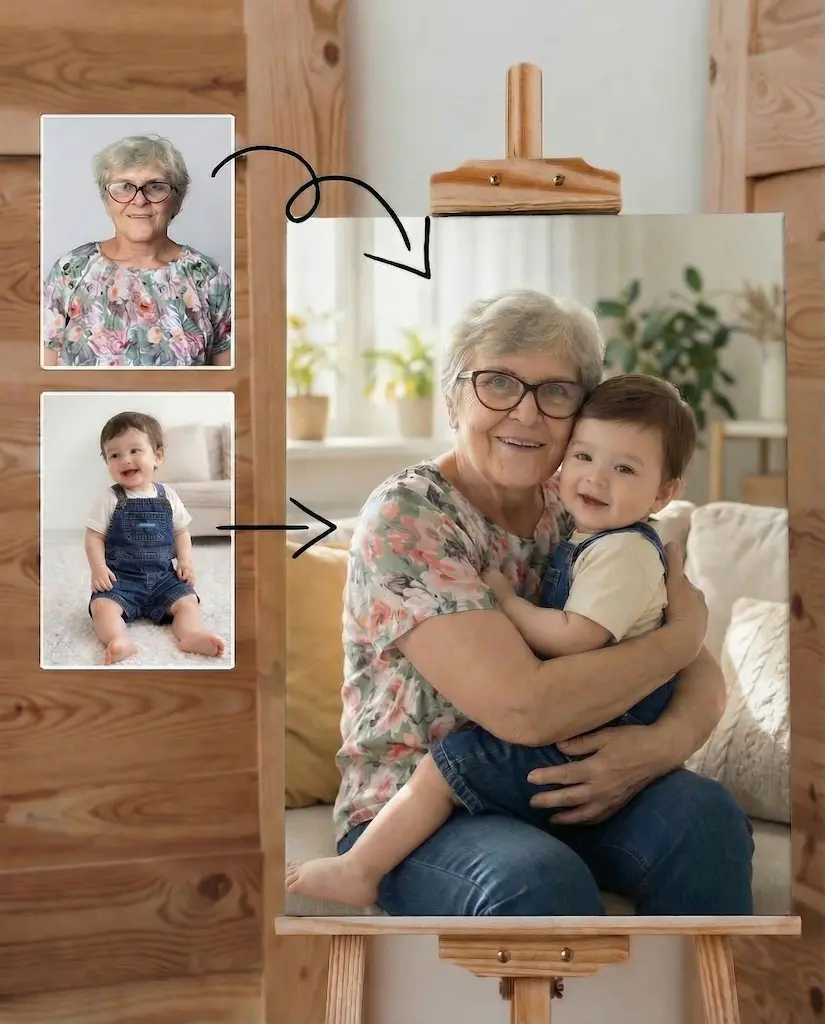
Add Loved One to Photo

Add a loved one to a photo with natural lighting, matched perspective, and natural-looking results. Ideal for wedding, memorial, and family reunion photos.

Customize (Optional)

Photo layout

Same layout as your uploaded photo

Colorize

Restore color to black & white photos

1 free generation left. No login required.

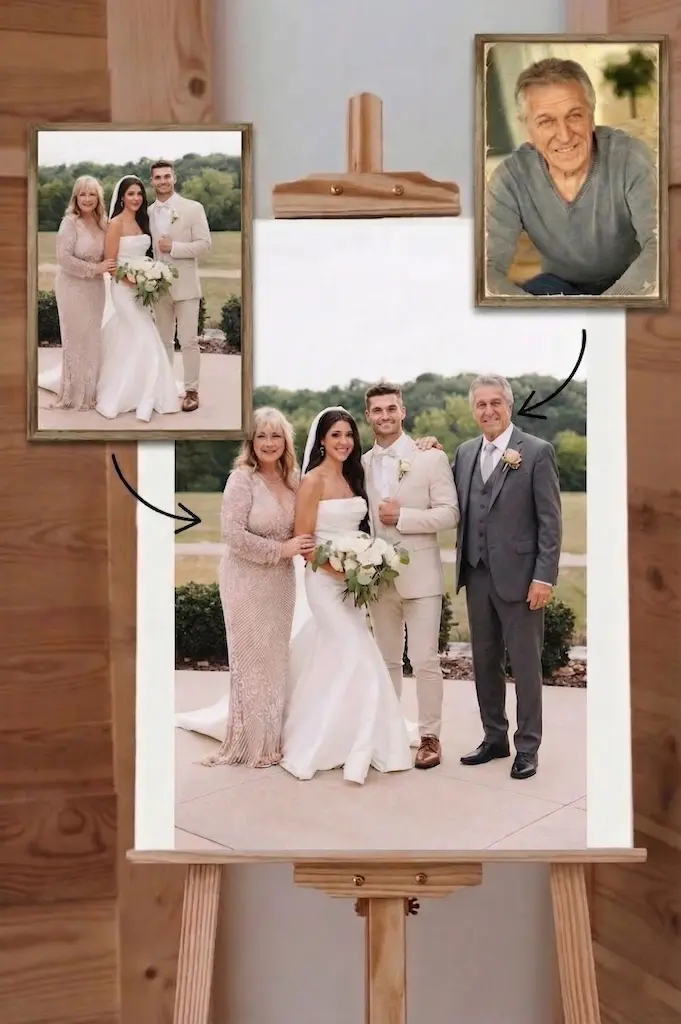
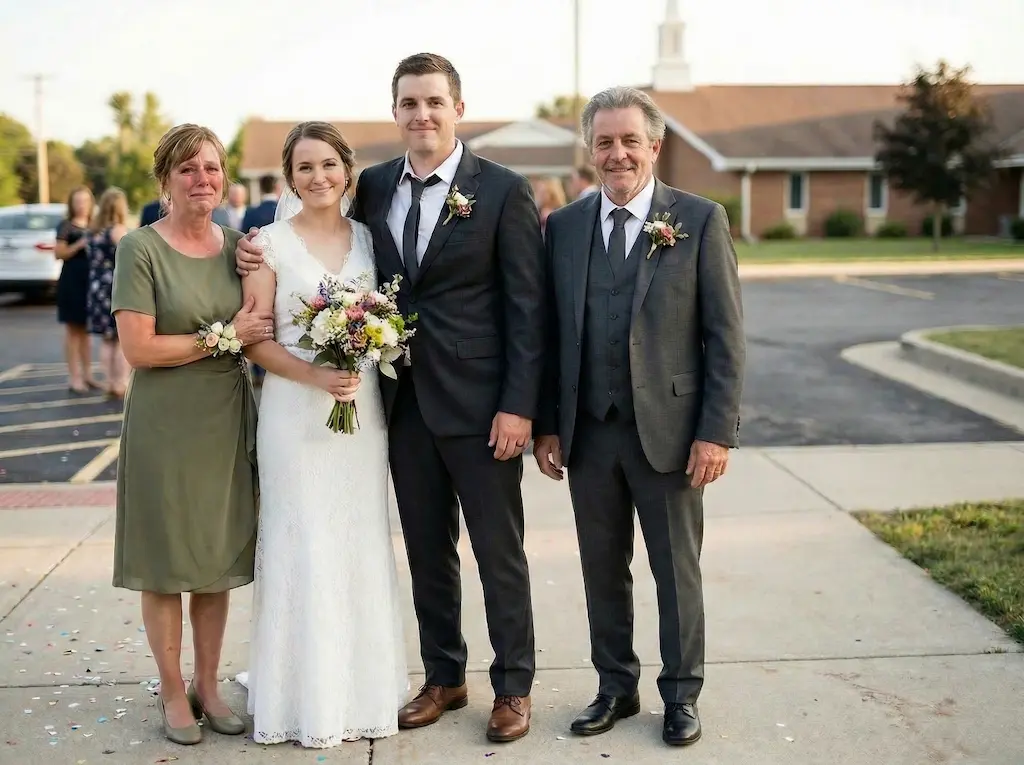
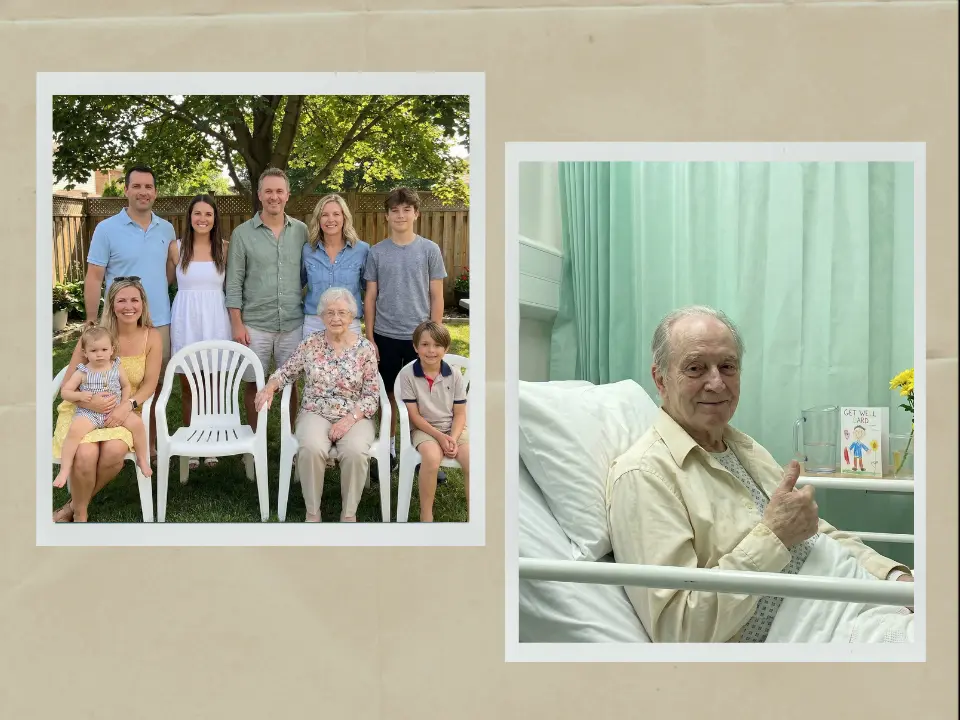
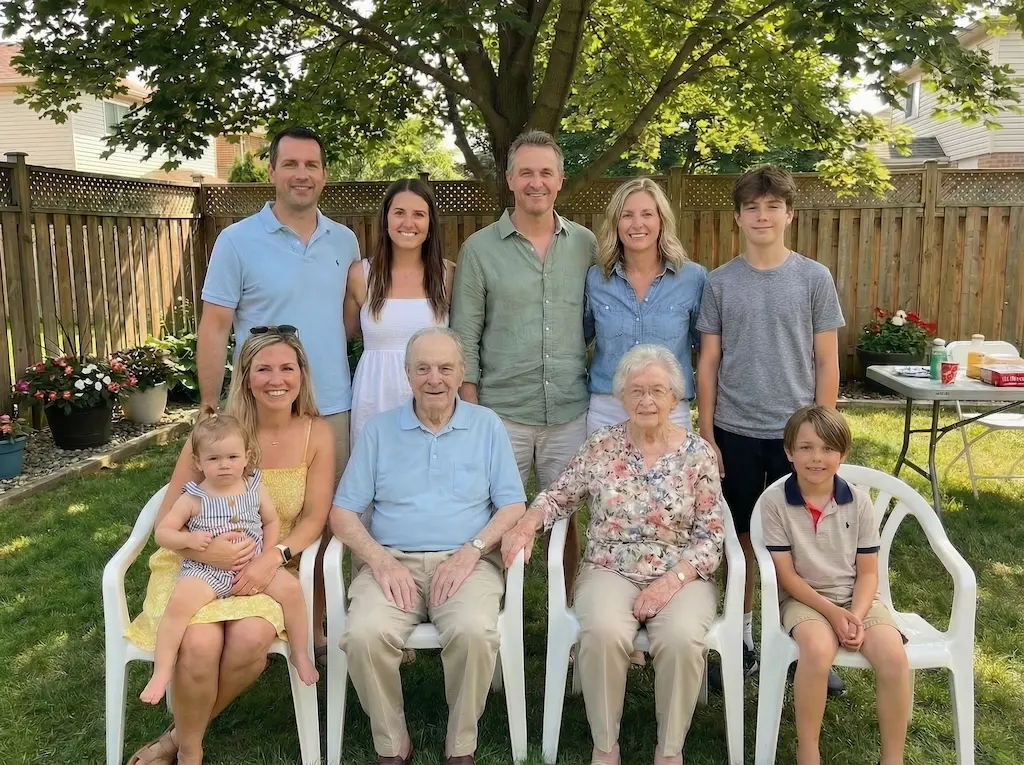
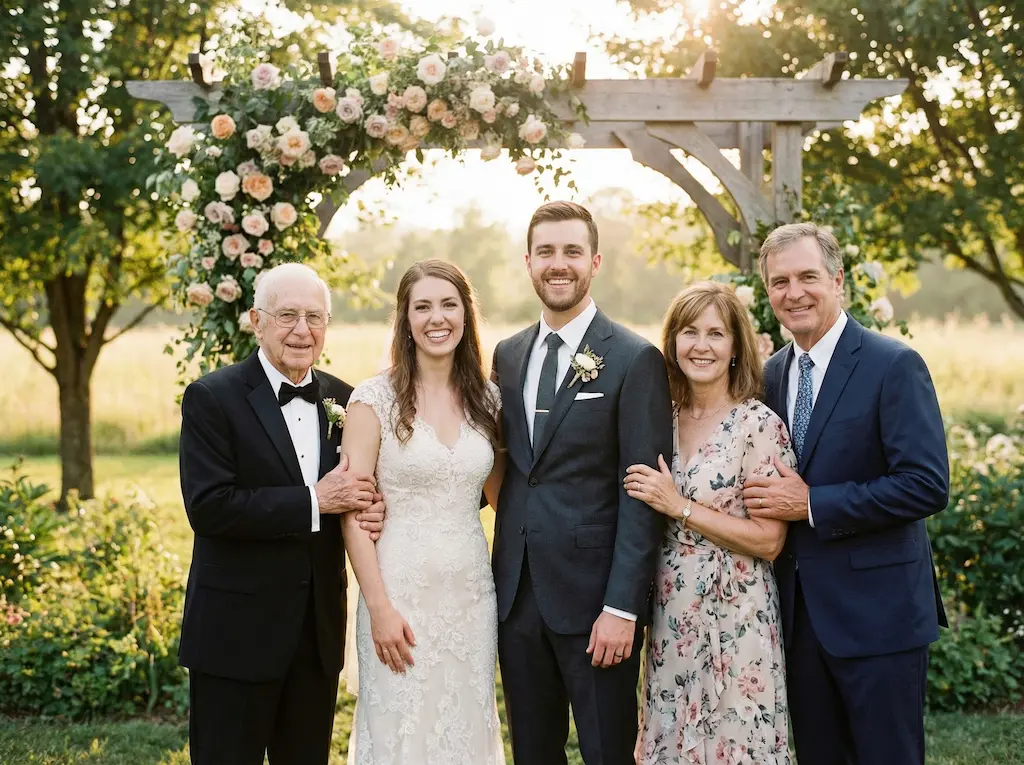
Example result showing a family photo with loved one added

See how it works

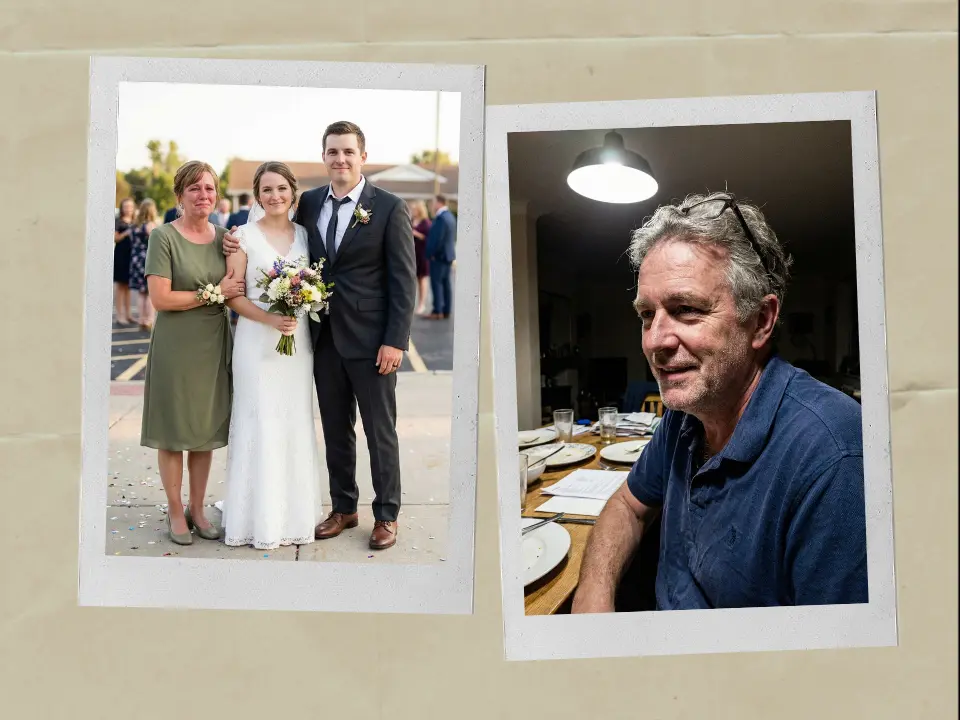
Upload your group photo and a photo of your loved one to create your own result

Your photos do not train any AI.

Want to see them smile together? Animate this family photo

How to Add a Loved One to a Photo

Three steps. Under 60 seconds. No editing skills.

1

Upload Your Group Photo

The wedding, holiday, or family photo where your loved one should have been. Our tool works with any standard image format.

2

Upload the Person to Add

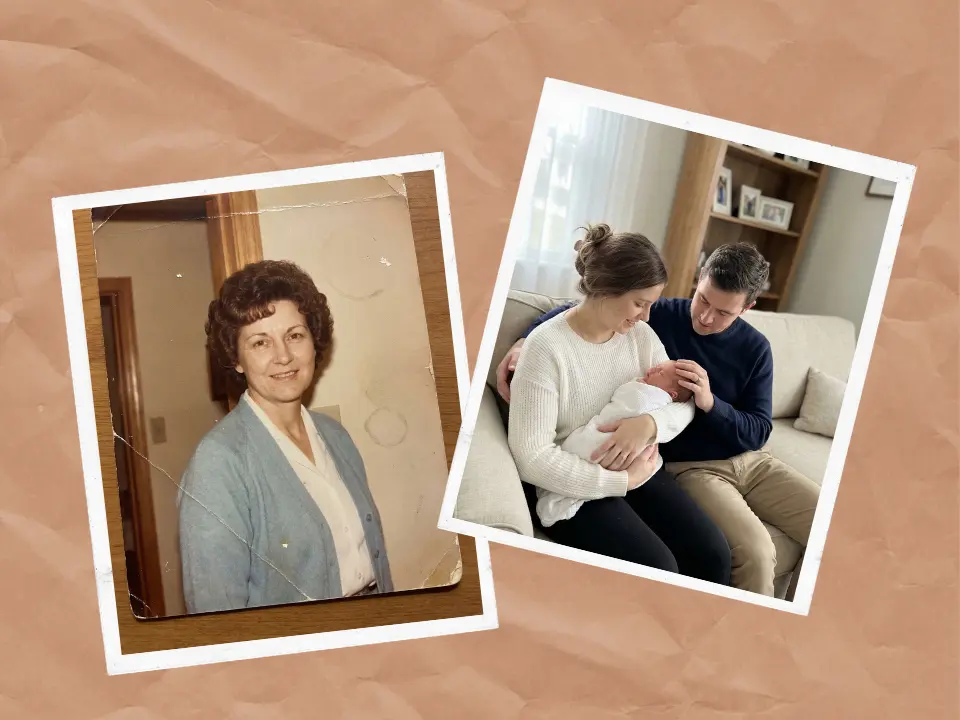
A clear, front-facing photo. Old printed photos work. Just snap them with your phone. Even decades-old images or low-resolution scans produce good results.

3

Get Your Family Photo

Click "Add Loved One to Photo." Our tool matches lighting, skin tone, and grain automatically. The result preserves the original photo's texture so it feels like one real moment. Download in high resolution, ready to print and frame.

How to add loved one to photo - Video tutorial demonstration

Watch: Add loved one to photo in 60 seconds

Add Loved One to Photo for Every Moment That Matters

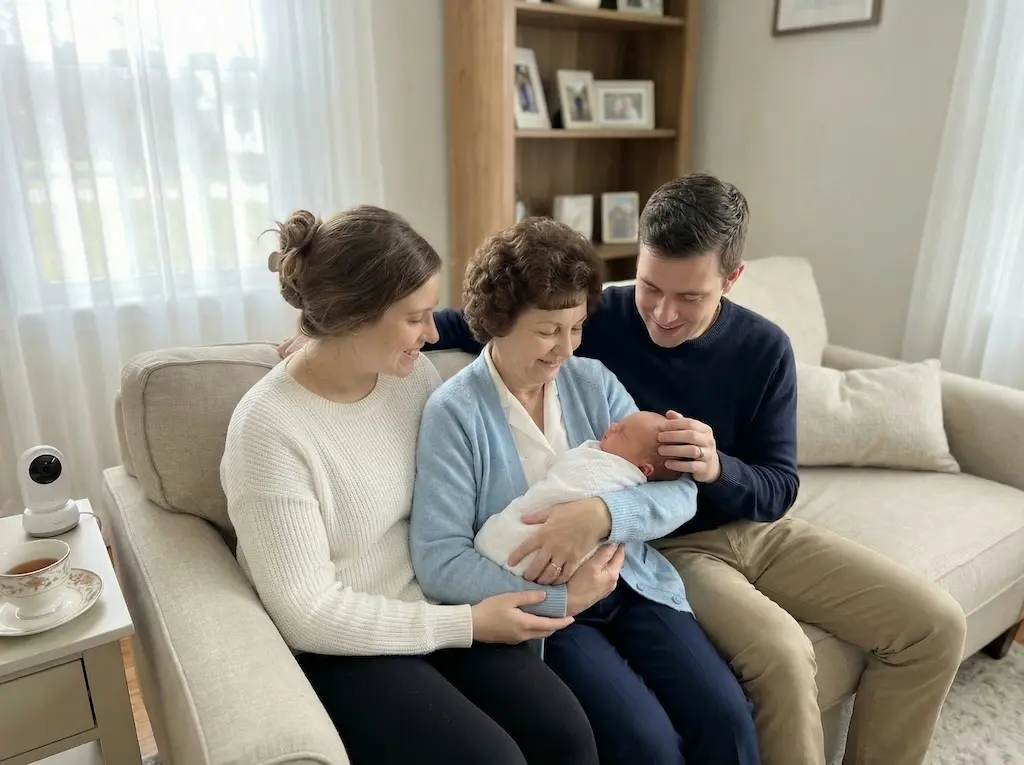
Add loved one to wedding photo - AI edited wedding portrait with family member added seamlessly

Add Loved One to Wedding Photo

A common use case. Add a late father, mother, or grandparent to a wedding portrait with natural lighting and realistic blending. For many families, choosing to add loved one to photo for their wedding day creates one of the most meaningful images they own.

Add deceased loved one to photo - Memorial portrait with matched lighting and natural appearance

Add a Deceased Loved One to a Photo

Honor someone who has passed. When you add a deceased loved one to a photo, our tool matches lighting, skin tone, and perspective so the result feels natural and respectful. Whether the loss was recent or many years ago, the image can become a meaningful keepsake for the family.

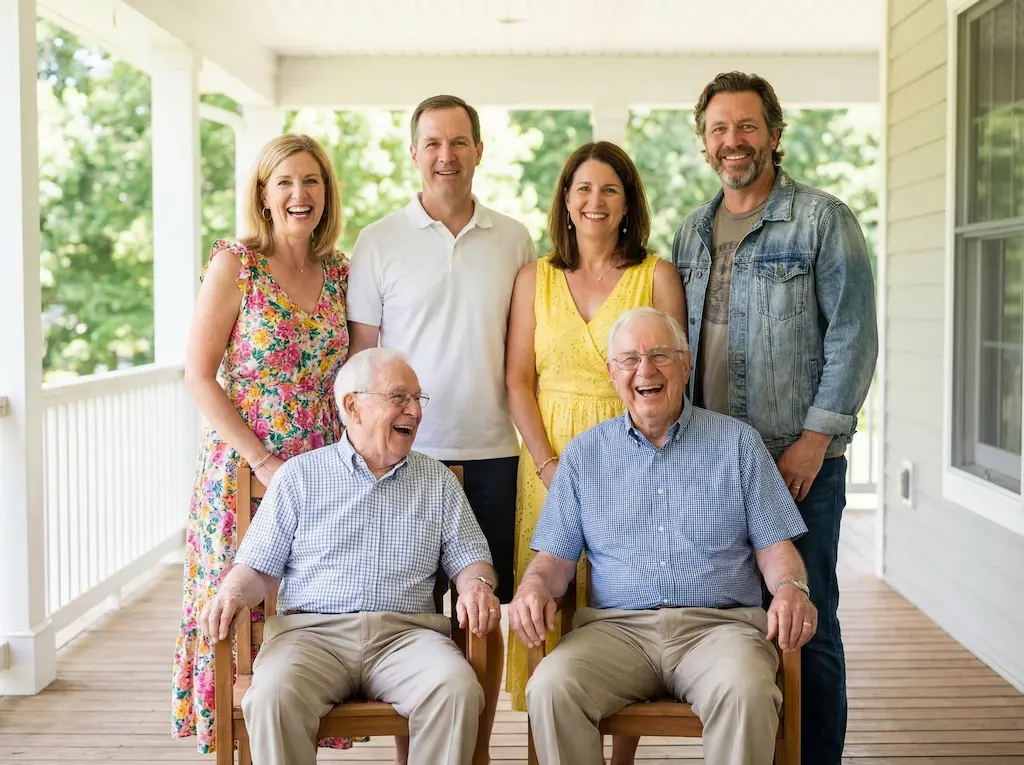
Add person to family reunion photo - Complete group portrait with added family member

Add Person to Family Reunion Photo

Someone could not make it to the reunion. Put them in the group photo so the family portrait feels complete. It works well when a loved one lives overseas, was unwell, or could not travel on the day.

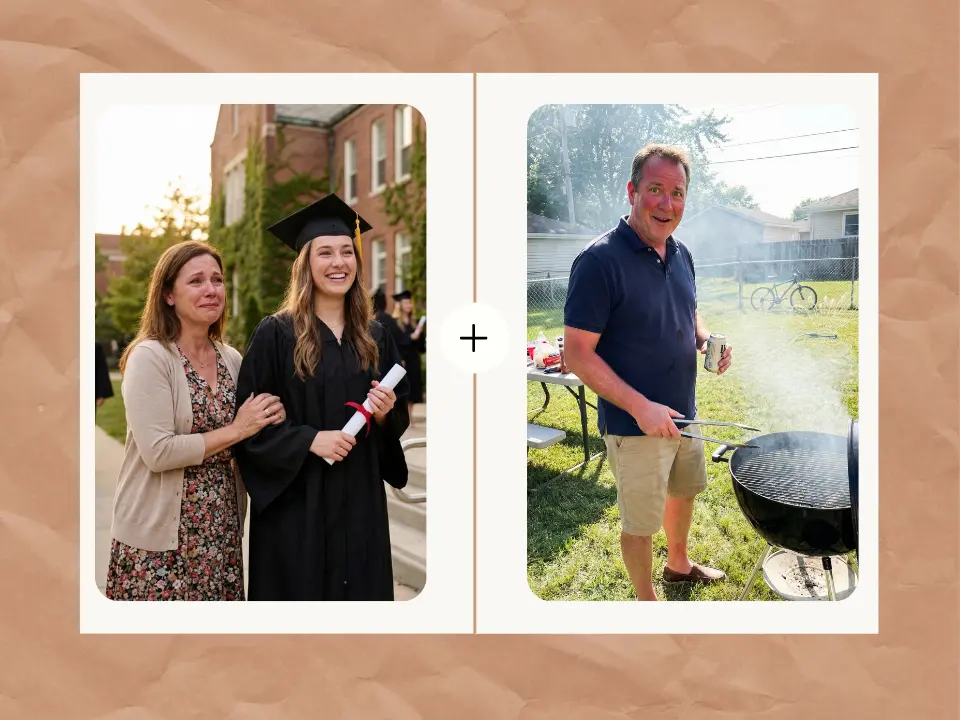
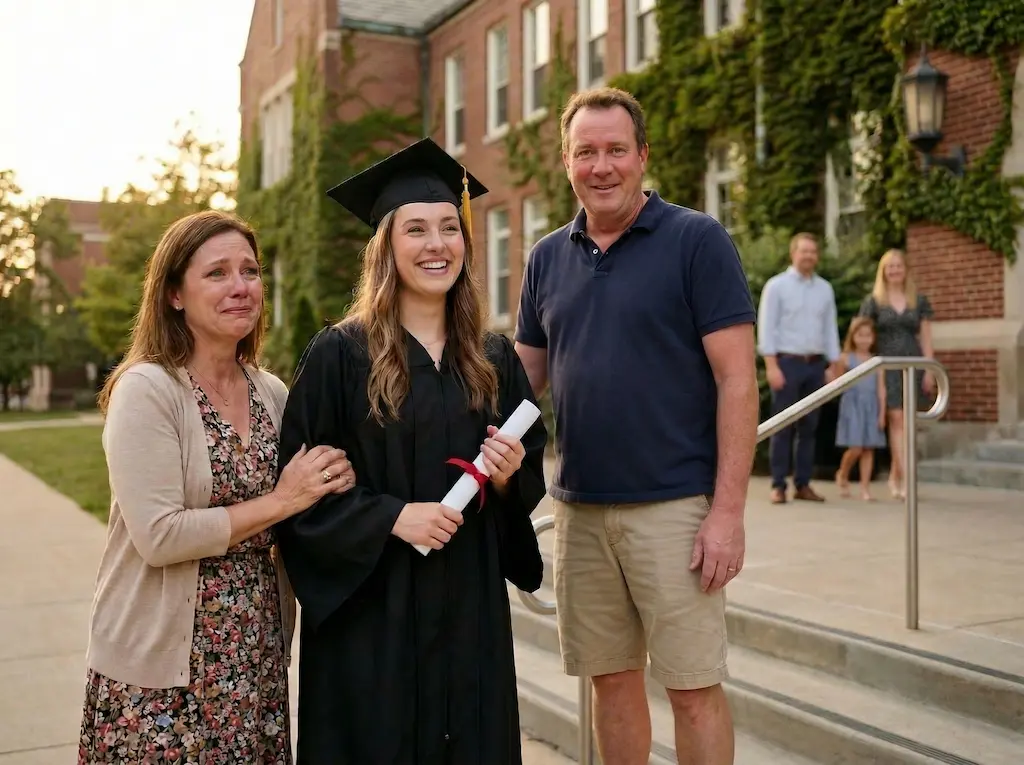
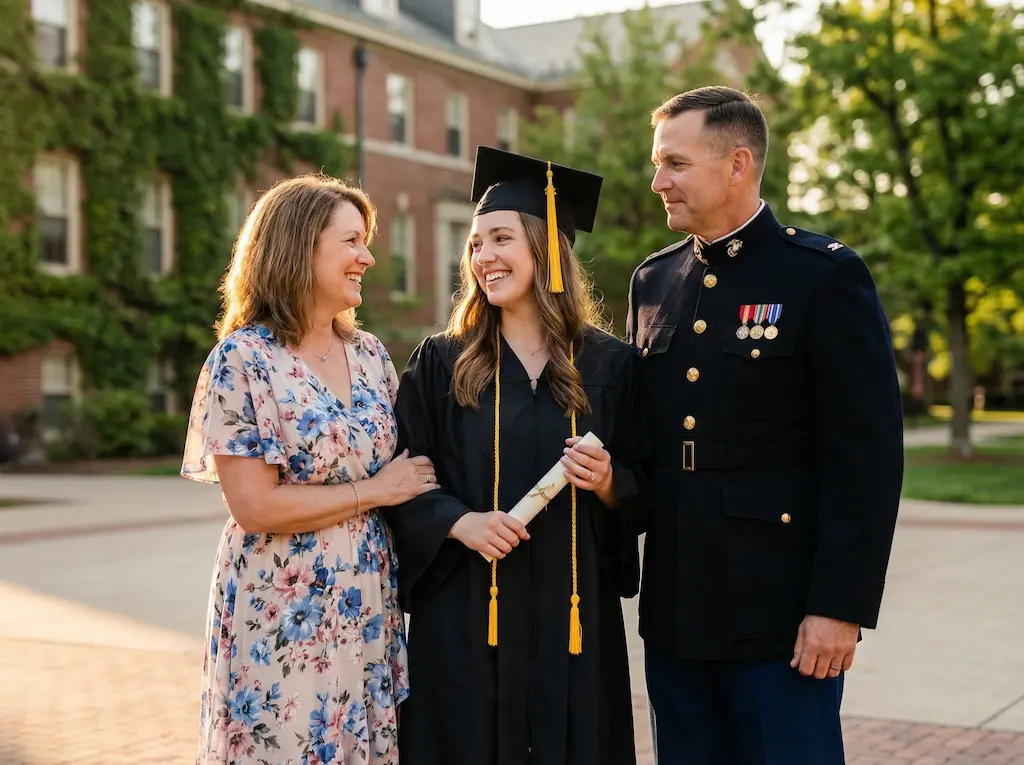
Add family member to graduation photo - Complete graduation portrait created with AI photo editing

Add Family Member to Graduation Photo

A parent deployed overseas, a grandparent who passed away, or a sibling who could not attend. Graduation marks a major milestone. Add the people who helped you get there so the photo includes everyone who matters.

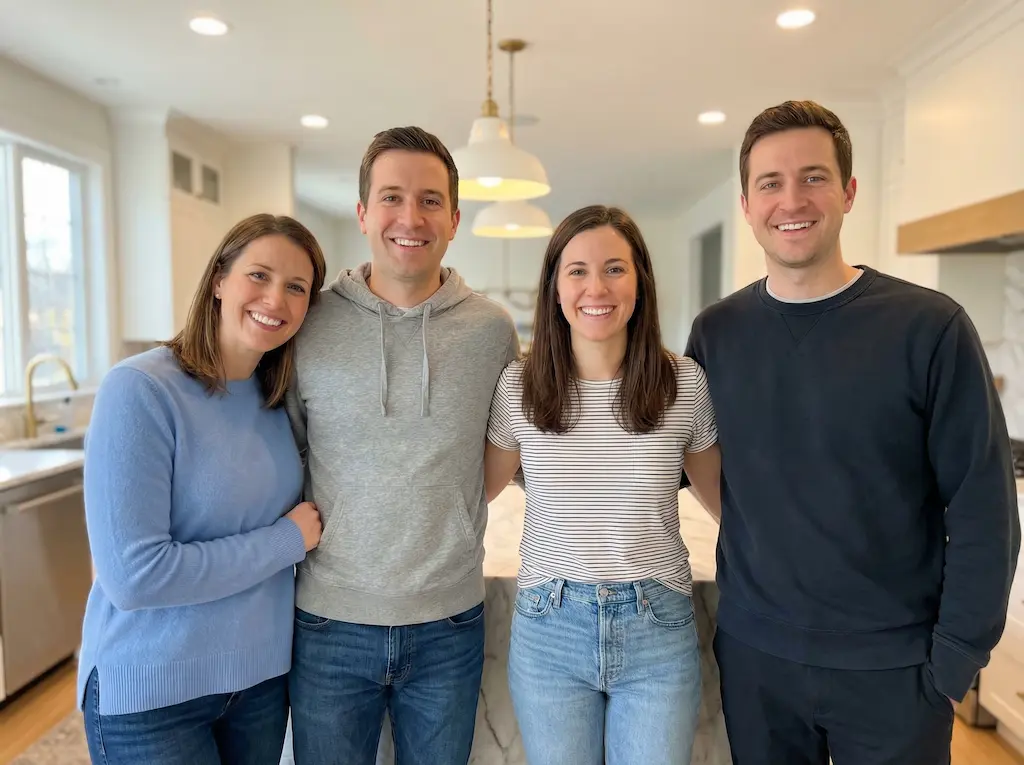
Add missing loved one to family photo - Distant relative added to family portrait

Add Missing Loved One to Family Photo

Not every absence is a loss. Sometimes a family member lives far away or simply was not available that day. Add them to the photo so the family portrait feels complete and everyone can appear together in one frame.

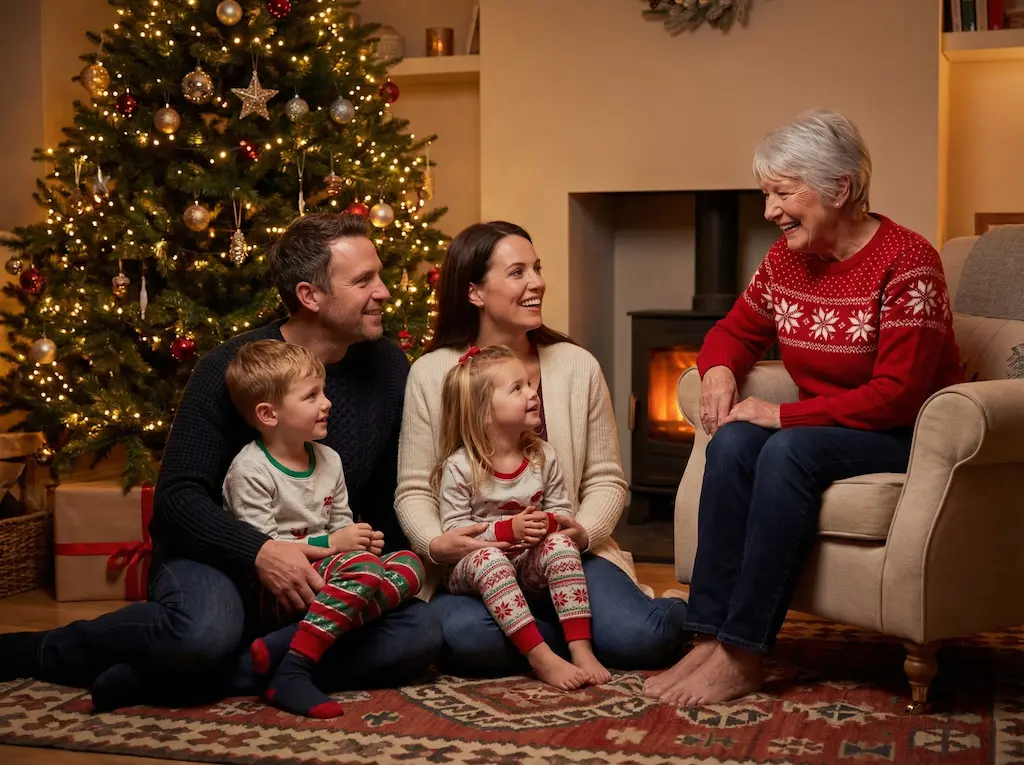
Add loved one to Christmas family photo - Complete holiday portrait with family member added

Add Loved One to Christmas Family Photo

Create a Christmas photo that feels warm, complete, and meaningful. Often used for holiday cards when a loved one has passed away or could not travel home.

What is Add Loved One to Photo

Add Loved One to Photo is an AI-powered tool that lets you insert a missing person into an existing photo. Upload a family photo and a separate photo of the person you want to include. The tool combines both photos with matched lighting, perspective, and skin tone to create a natural-looking result.

It is designed for emotionally meaningful photos:

Wedding portraits where a parent has passed
Family reunions where someone could not attend
Holiday cards where a grandparent is missing
Graduation photos where a loved one is deployed

No editing software. No design skills. No waiting for a freelancer. Just upload, click, and download a complete family photo in under 60 seconds.

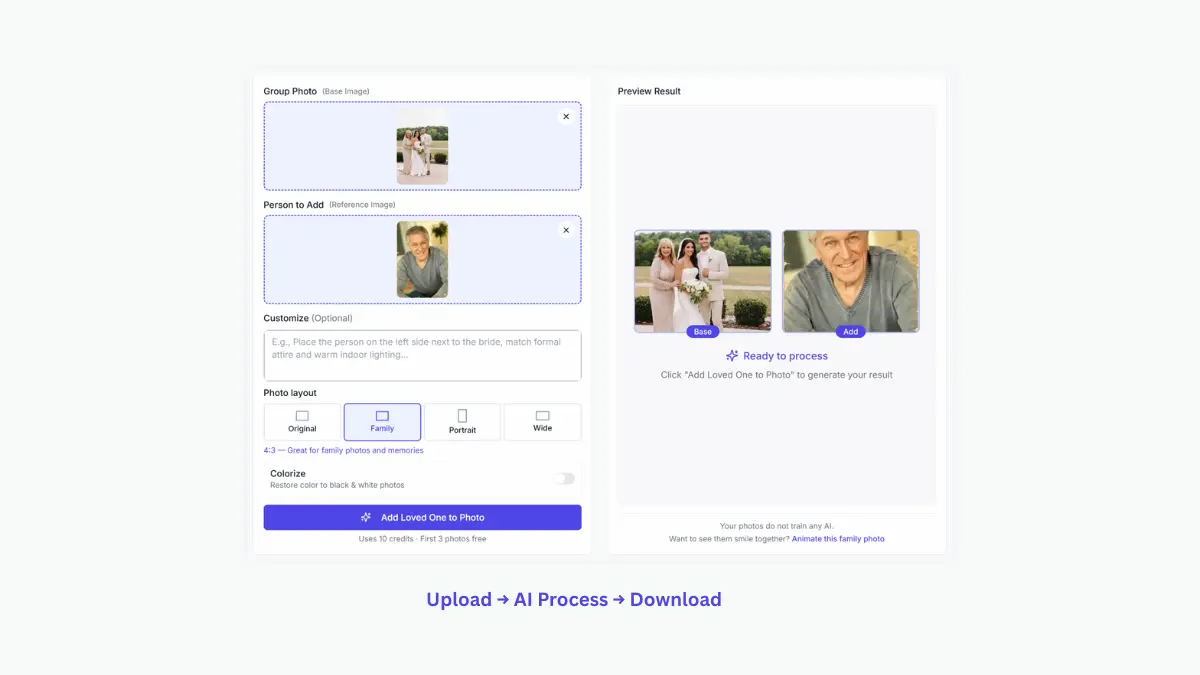
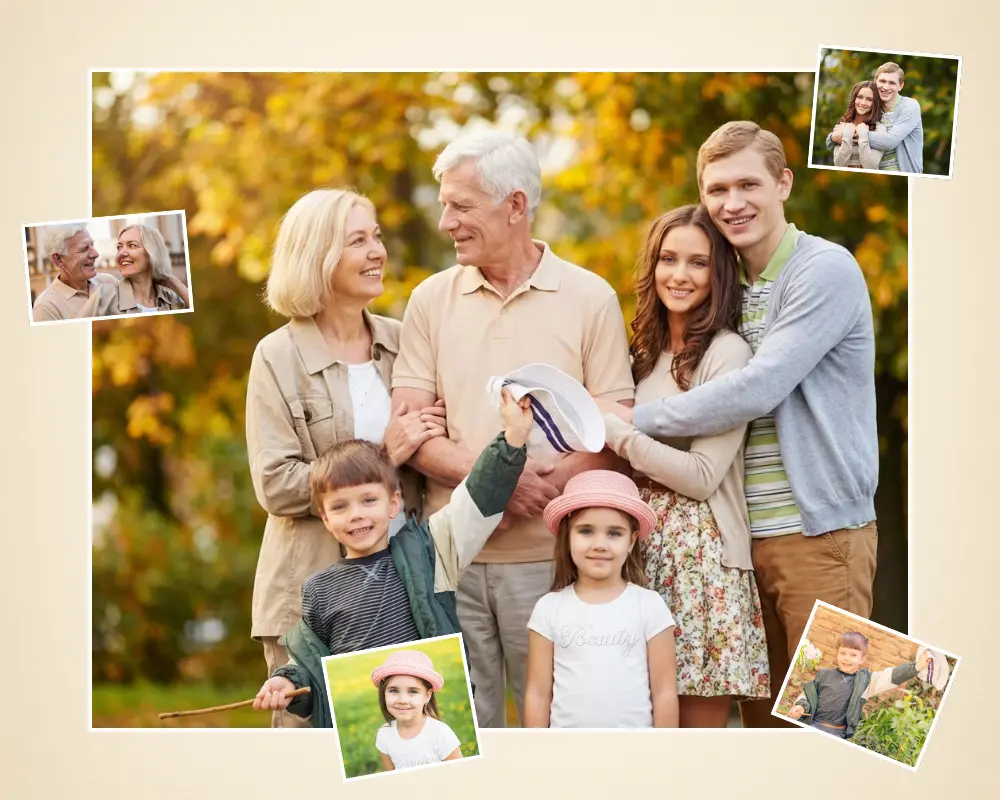
Add loved one to photo - Before and after example showing family portrait with added member
Upload
Process
Download

Why Choose Add Loved One to Photo

Natural-Looking Results

Matches the original photo's grain, lighting, and texture. Looks like one real moment, not a collage.

Built for Meaningful Use Cases

Designed for wedding, family, memorial, graduation, and tribute photos.

Fast Results

Generated in seconds. No watermark on final downloads.

No Photoshop Skills Needed

Upload two photos, click one button, get your result.

Private and Secure

Your photos do not train our AI. Auto-deleted after 30 days or manually at any time.

One-Time Credits

Pay only when you need it. No recurring subscription required.

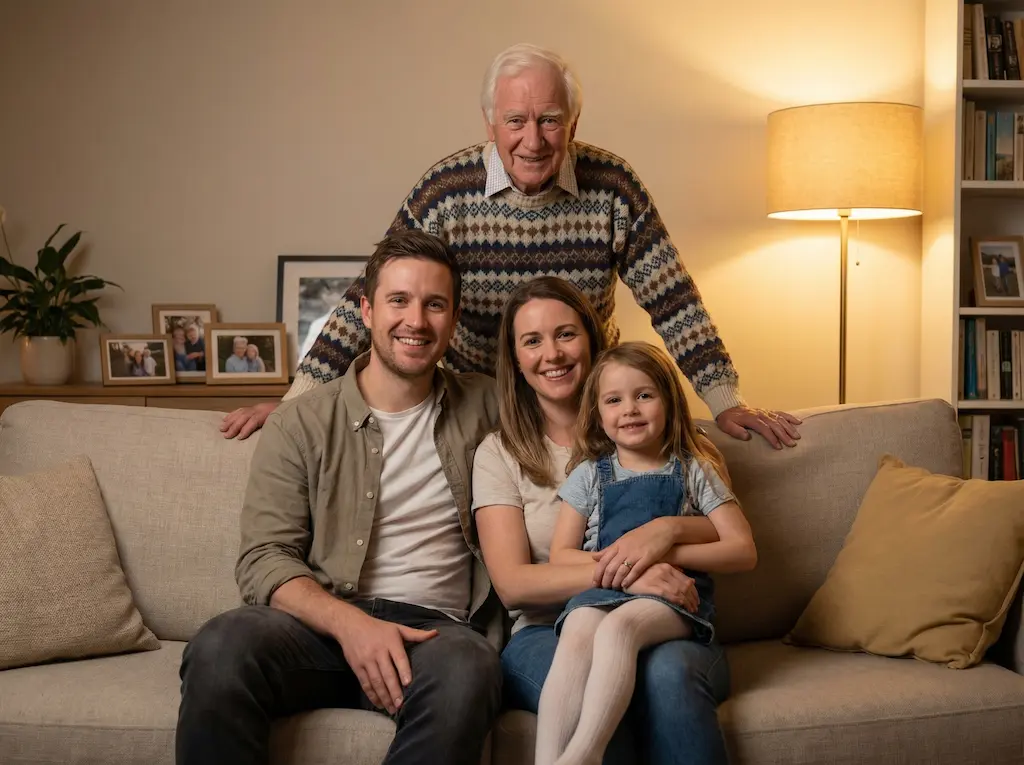
Why choose add loved one to photo - Natural AI-edited family portrait showing seamless blending

Add Loved One to Photo vs Manual Services

Cost for one photo

Add Loved One to Photo

Usually under $1 per image

Manual Services

$15 – $80+ on platforms like Etsy (depending on complexity)

Time to first result

Add Loved One to Photo

Usually within a minute

Manual Services

Often 1–3 days, sometimes longer

Ease of use

Add Loved One to Photo

No Photoshop skills needed

Manual Services

Requires working with an editor and explaining the edit

Privacy

Add Loved One to Photo

Photos auto-deleted after 30 days. Not used for training.

Manual Services

Varies by provider. Review their policy before uploading.

Best for

Add Loved One to Photo

Family, memorial, wedding, and graduation photos

Manual Services

Complex composites, difficult restorations, or highly specific revision requests

Trade-offs

Add Loved One to Photo

Faster and easier to try right away

Manual Services

More flexible for detailed custom instructions

Frequently Asked Questions

Upload your family photo and a clear photo of your loved one. Click "Add Loved One to Photo." Our tool merges them into the scene with matched lighting, perspective, and skin tone. The process takes under 60 seconds. No editing skills needed. The result is ready to download, print, or share immediately.

Yes. A common use case. Our tool handles wedding group portraits well and produces natural-looking results that families frame and display. It works whether the person passed recently or many years ago.

Yes. Our tool adjusts scale, lighting, and perspective to fit the person into the group naturally. For the most natural result, add one person at a time. Each round takes under 60 seconds. This also works for living people who could not attend the event.

Yes. Add one person per round for the most natural result. Each round takes under 60 seconds. There is no limit to how many rounds you can do on the same base photo. Families often use this to add two or more absent members one at a time.

Yes. Our tool works with old printed photos, low-resolution scans, slightly damaged images, and photos from any era. Just upload the best version you have. Even a phone snapshot of an old print works. The tool adapts to different photo qualities and matches the result to the style of your base photo.

High-resolution output ready for printing and framing. Our tool generates natural-looking results with consistent lighting and realistic skin tones. No watermark on final downloads. The output quality matches what you would expect from a professional photo edit.

Under 60 seconds. Upload two photos, click one button, download your result. No waiting, no queue.

Many families use this tool to create a tribute or keepsake. Adding a loved one to a wedding portrait, holiday card, or family gathering photo is a meaningful way to honor their memory. The goal is a calm, natural result, not something exaggerated or artificial. Families have been creating memorial portraits for generations. This is simply a modern way to continue that tradition.

Your photos do not train our AI. We process uploaded images only to create your result. We do not sell or share your photos with any third party. Uploaded and generated photos are automatically deleted after 30 days. You can also delete them manually at any time from your account.

Ready to Add Loved One to Photo?

Families use AI to add loved one to photo and create complete, meaningful portraits every day. Start with a free photo today.

Add Loved One to Photo Free